 PLAY
PLAY5 Tips for Adjusting to the Xbox Series X Asymmetric Joystick Layout
By Playloot Team · Mar 28, 2026
5 Tips for Adjusting to the Xbox Series X Asymmetric Joystick Layout
If you're switching from the PlayStation 4 to the Xbox Series X, you might find the new asymmetric joystick layout a bit challenging. Transitioning to a different controller configuration can seem daunting at first, but with a few tips and tricks, you'll quickly adjust to the precision and comfort of the Xbox controller. Here are our top five strategies you can use to make the transition smoother:
Table of Contents
1. Familiarize Yourself with the Controller Layout
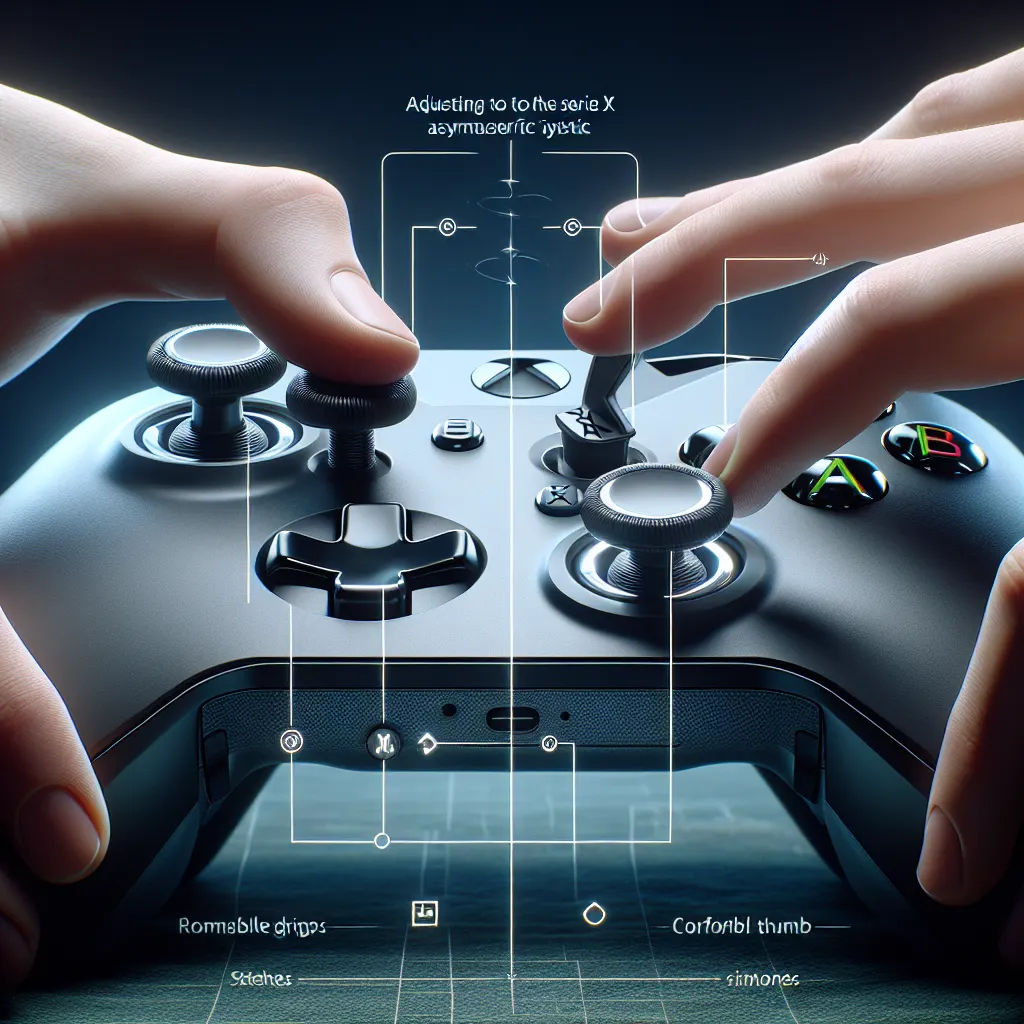
Before diving into gameplay, take a few moments to familiarize yourself with the Xbox controller layout. The left joystick is higher up compared to the right joystick. Practice holding the controller and simulate in-game actions to understand the ergonomic design.
2. Customize Your Button Mapping
The Xbox Series X allows for controller customization. To ease the transition, you might want to customize the button mapping through the Xbox Accessories app. Adjust the button layout to suit your comfort, mimicking the PS4 setup if necessary.
3. Practice with Less Intense Games
Start with games that require less precision and quick reflexes. Games like platformers or puzzle games can provide a less stressful environment to get acclimated with the controller. Gradually progress to more challenging games as you become more comfortable.
4. Develop Muscle Memory
Spend time practicing consistently. Muscle memory plays a significant role in controller usage. Engage with the Xbox controller daily, even if it's for a short duration, to help your hands become familiar with the positions of the sticks and buttons.
5. Use Controller Grips
Consider using controller grips or thumbstick extenders to boost comfort and control. These accessories can minimize slippage and allow for a firmer grasp, making the transition less noticeable, especially during longer gaming sessions.
Frequently Asked Questions
It varies depending on your gaming experience, but most gamers adjust within a week with regular practice.
Yes, the asymmetric layout is designed to provide a more natural grip and reduce hand strain during extended play.
Less intense games like Ori and the Will of the Wisps or Minecraft are great for familiarizing yourself with the controller.
Officially, PlayStation controllers aren't compatible with Xbox consoles, but third-party adapters might offer a workaround.
Yes, the Xbox Series X controller is compatible with PCs via Bluetooth or USB connection.