 PLAY
PLAYDIY Solutions: How to Fix Stick Drift at Home
By Playloot Team · Apr 25, 2026
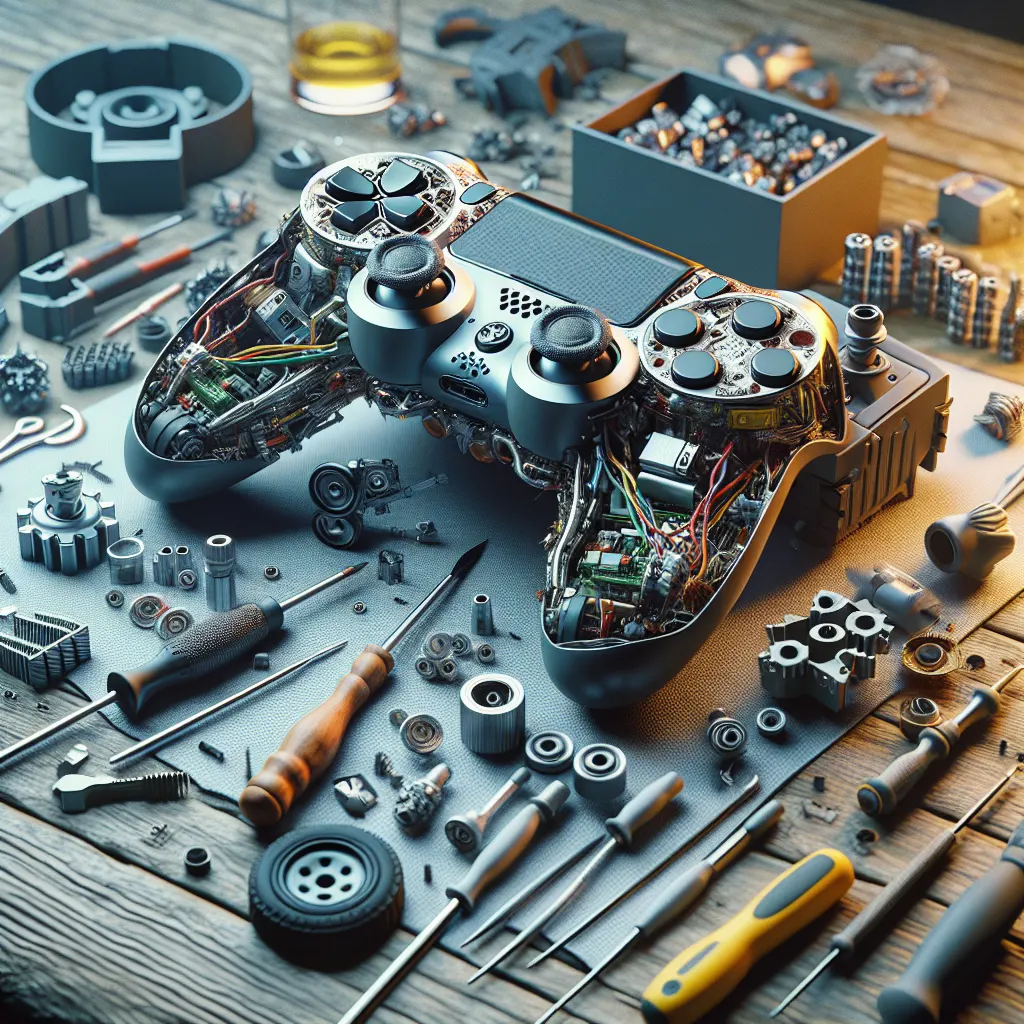
DIY Solutions: How to Fix Stick Drift at Home
If you're an avid gamer, you know how frustrating it can be when your controller isn't functioning properly. Stick drift is a common issue that plagues many game controllers, including those for the Nintendo Switch. But before you rush off to buy a new controller, you might want to consider some DIY solutions that can save you both time and money. Not sure where to start? Back to the Ultimate Guide: The Ultimate Guide to Fixing Nintendo Switch Stick Drift: A Step-by-Step Approach provides a comprehensive look at fixing Nintendo Switch stick drift with easy steps.
Table of Contents
So, what exactly is stick drift? Stick drift occurs when the analog sticks on your controller move on their own, causing a variety of issues while gaming. This can make your characters move without your input, result in unintended actions, and generally lead to a poor gaming experience. Don’t worry; fixing stick drift is often simpler than you might think.
Step-by-Step DIY Fix
1. Cleaning the Analog Stick
The first step in addressing stick drift is to clean the analog stick. Dust and grime can accumulate under the stick and cause it to malfunction. You will need the following items:
- Isopropyl alcohol (preferably 70% or higher)
- Cotton swabs
- A microfiber cloth
First, turn off your console and disconnect your controller. Lightly dampen a cotton swab with isopropyl alcohol and gently rub it around the base of the joystick. Move the stick in circular motions to ensure you clean the full area. Use a microfiber cloth to wipe away any remaining debris. Allow it to dry completely before reconnecting.
2. Recalibrating the Controller
For many gaming systems, recalibration can be done through system settings. Follow these general steps:
- Navigate to the system settings on your console
- Select the ‘Controllers and Sensors’ or relevant option
- Choose ‘Calibrate Control Sticks’ and follow the on-screen instructions
This recalibration can adjust any software-related issues that might be causing the drift.
3. Firmware Update
Sometimes, a simple firmware update can resolve stick drift issues. Check for any available updates for your console or controller, as these can contain improvements and bug fixes related to input issues.
4. Replacing Worn Parts
If cleaning and recalibrating do not solve the problem, the analog stick itself might be worn out. You can purchase a replacement kit online that includes a new stick and the necessary tools. Follow the instructions carefully when replacing these components to avoid damaging your controller.
Troubleshooting Tips
If after attempting these steps you're still experiencing issues, consider consulting the console’s manual or support website for further troubleshooting steps. In the end, stick drift might sometimes require professional repair or replacement, but these DIY solutions can often do the trick.
Frequently Asked Questions
Joystick drift is often caused by dust and dirt accumulation, worn-out components, or software calibration issues.
While cleaning and recalibrating can often fix the issue, persistent drift may require part replacements or professional repair.
Using isopropyl alcohol at 70% or higher is generally safe for cleaning and won't damage electronics when used sparingly and carefully.
Regular maintenance every few months can help prevent stick drift and keep your controller in good condition.
If cleaning doesn't resolve the problem, consider recalibrating the controller or checking for updates. Persistent issues may require component replacement.