 PLAY
PLAYStep-by-Step Guide to Calibrating Your Nintendo Switch Joy-Con Sticks
By Playloot Team · Apr 25, 2026
Step-by-Step Guide to Calibrating Your Nintendo Switch Joy-Con Sticks
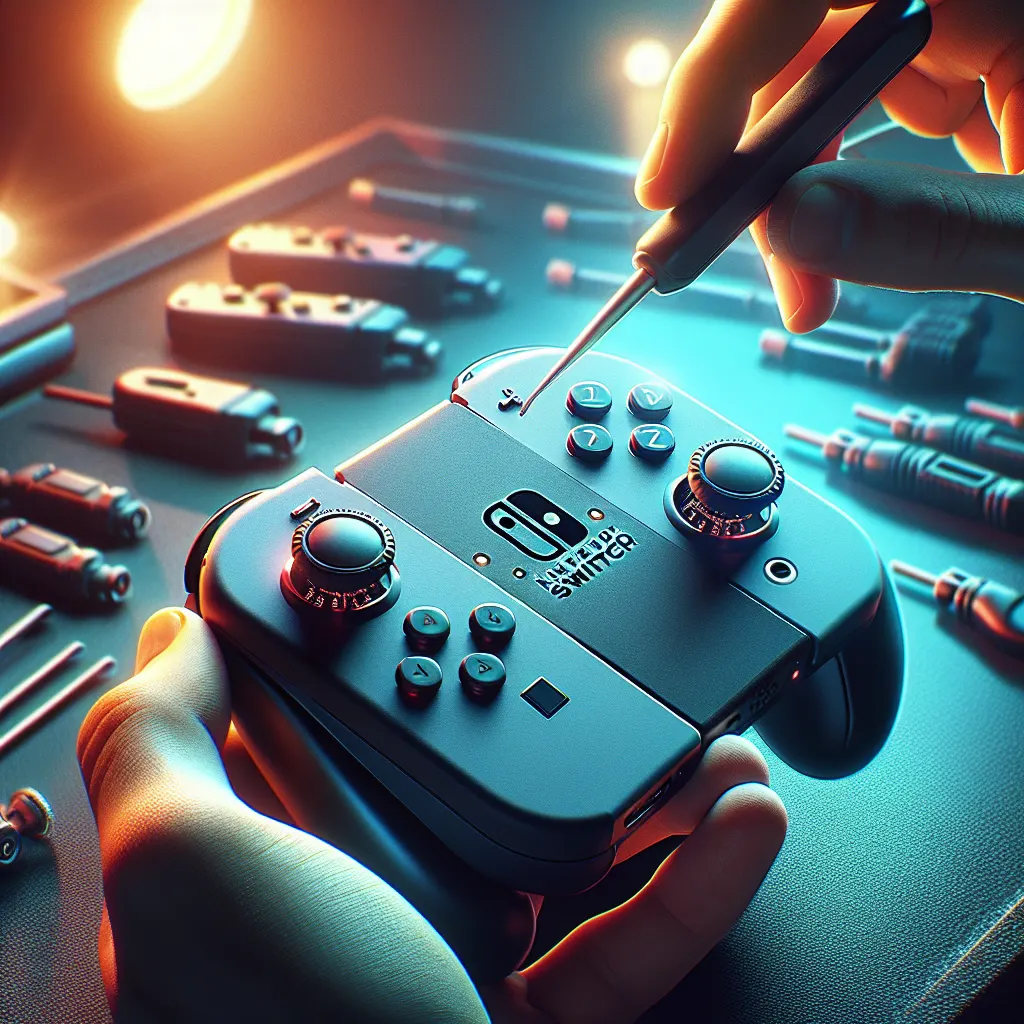
Is your Nintendo Switch experiencing issues with Joy-Con drift or erratic stick movement? Calibrating your Joy-Con sticks might be the solution you need. For more comprehensive solutions, check out our Back to the Ultimate Guide: The Ultimate Guide to Fixing Nintendo Switch Stick Drift.
Table of Contents
Calibrating the Joy-Con sticks on your Nintendo Switch is a simple process that can significantly improve your gaming experience. Whether your characters are moving without input or you just want to fine-tune your controls, this step-by-step guide will walk you through the process to ensure your Joy-Cons are working flawlessly. Below, we’ll cover everything you need to know to properly calibrate your Joy-Con sticks.
Step 1: Navigate to System Settings
Start by turning on your Nintendo Switch and accessing the home screen. From there, navigate to the ‘Settings’ option, represented by a gear icon at the bottom of the screen. Select this option to enter the system settings.
Step 2: Access Controllers and Sensors
Within the settings menu, you’ll need to scroll down the left sidebar and select ‘Controllers and Sensors’. This section manages all settings related to your Joy-Con controllers, including button mapping and calibration.
Step 3: Select Calibrate Control Sticks
After entering ‘Controllers and Sensors’, look for the ‘Calibrate Control Sticks’ option and select it. This will bring up the calibration menu where you can check and calibrate each Joy-Con stick individually.
Step 4: Check and Calibrate the Control Sticks
To begin calibration, select the Joy-Con stick you want to calibrate. You'll be prompted to press the stick in question. Once pressed, you’ll see a calibration screen where you can move the stick in all directions. Follow the on-screen instructions to determine whether your Joy-Con requires further adjustment or is functioning correctly.
Step 5: Follow On-Screen Instructions
If calibration is necessary, the Switch will guide you through a series of instructions to recalibrate the stick. Simply follow the prompts, which generally involve moving the stick in certain directions and releasing it. Completing this process will reset the center position of the stick and ensure its responsiveness.
Step 6: Test the Calibration
Once calibration is complete, return to the home screen and start a game to test your newly calibrated Joy-Con. If the issue persists, you may need to revisit the calibration settings or consult additional troubleshooting methods.
Conclusion
Calibrating your Nintendo Switch Joy-Con sticks is a simple yet effective way to maintain your gaming experience. Whether you're resetting the center positions or fine-tuning for better control, these steps should help alleviate drift and responsiveness issues.
Frequently Asked Questions
It's recommended to calibrate your Joy-Con sticks every few months, or whenever you start experiencing issues with stick drift or unresponsive controls.
Yes, you can calibrate the Joy-Con sticks while they are either attached to or detached from the console.
While calibration can resolve minor drift issues, persistent problems may require additional fixes such as cleaning or professional repair.
If calibration doesn't help, try cleaning the sticks or refer to our comprehensive guide for additional troubleshooting steps.
Joy-Con drift is often covered under Nintendo’s warranty, and free repairs have been offered for impacted controllers in various regions.