 PLAY
PLAYTop 10 Must-Have PS5 Accessories for the Ultimate Gaming Experience
By Playloot Team · May 03, 2026
Top 10 Must-Have PS5 Accessories for the Ultimate Gaming Experience
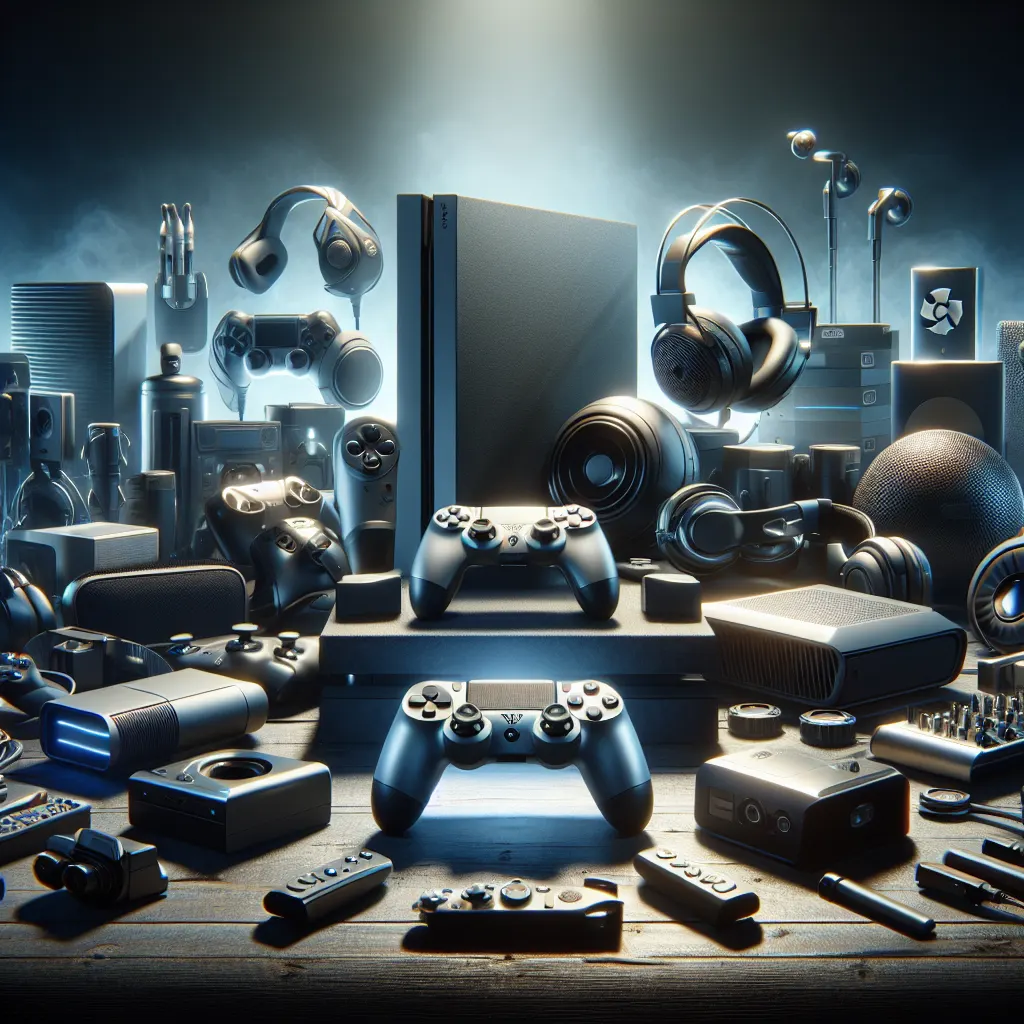
The PlayStation 5 has revolutionized gaming with its powerful hardware and impressive selection of games. However, to truly maximize your gaming experience, it's important to pair the console with the right accessories. These additions can enhance gameplay, boost comfort, and add new functionality. If you're just getting started with the PS5, be sure to check out our main guide: Back to the Ultimate Guide: The Ultimate Guide to the PS5 Console: Features, Games, and More.
Table of Contents
1. DualSense Wireless Controller
The DualSense Wireless Controller is a game-changer with its haptic feedback and adaptive triggers, offering a more immersive gaming experience. It’s designed to give you tactile sensations and responsive controls unlike any other.
2. Pulse 3D Wireless Headset
Experience the incredible Tempest 3D AudioTech with the Pulse 3D Wireless Headset. It’s engineered for optimal sound quality and features a sleek design that matches the PS5 console perfectly.
3. HD Camera
Enhance your streaming setup with the HD Camera for PS5. This accessory provides high-quality imaging suitable for broadcasting yourself alongside gameplay or video calls.
4. DualSense Charging Station
Keep your controllers ready with the DualSense Charging Station. This docking station charges up to two controllers simultaneously without needing to connect them to your PS5 system.
5. Media Remote
For those who also use the PS5 as a media center, the Media Remote is invaluable. With dedicated app buttons and seamless navigation, it turns the PS5 into a full-fledged entertainment device.
6. PlayStation VR Headset
Step into new worlds with the PlayStation VR headset. Although not specifically exclusive to the PS5, using it on the enhanced hardware and visuals brings a fresh dimension to the virtual reality experience.
7. Seagate Storage Expansion Card
One of the biggest issues for gamers is storage. With the Seagate Storage Expansion Card, you can boost your console's memory capacity seamlessly and keep more games installed.
8. Comfort Grip Controller Mount
For extended gaming sessions, a controller with comfort grips can seriously make a difference. They provide additional wrist support and prevent hand fatigue during long gaming hours.
9. Game Vault
Organizing your physical games has never been easier with a Game Vault. It’s a tidy solution for storing and displaying your game cases, keeping your room organized and your games within reach.
10. Gaming Chair
Finally, investing in a dedicated gaming chair can significantly enhance your overall setup. A good chair provides essential back support and added comfort, allowing you to focus entirely on your game.
By incorporating these accessories into your gaming setup, you'll not only improve your overall experience but also make the most of the PS5's capabilities. Whether you're looking for enhanced audio, extra comfort, or practical storage, each accessory adds a unique benefit that can transform the way you play.
Frequently Asked Questions
No, the DualSense Charging Station is designed specifically for charging PS5 DualSense controllers.
Yes, the PlayStation VR headset is compatible with the PS5, but you will need a special adapter for the PS Camera to work with older VR setups.
The Seagate Storage Expansion Card comes in various capacities, typically ranging from 500GB to several terabytes, allowing you to choose based on your needs.
Yes, the Pulse 3D Wireless Headset comes with a USB dongle that needs to be connected to the PS5 for wireless functionality.