 PLAY
Action Camera in the Snow: 10 Tips for Manali, Gulmarg and Spiti Winter Trips
By Playloot Team · Nov 10, 2026
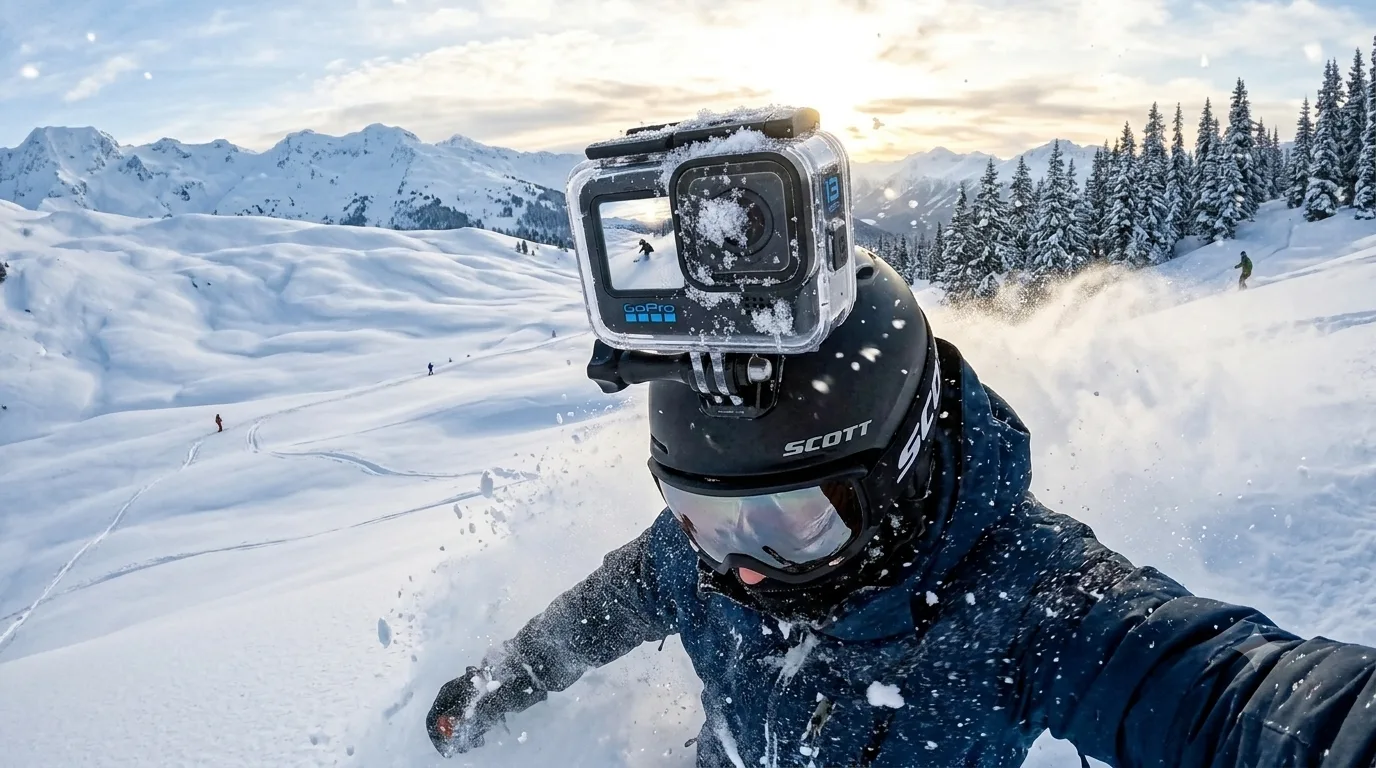
Winter is the best time of year for action camera footage in India: fresh snow in Manali and Gulmarg, frozen landscapes in Spiti, ski runs in Auli. It is also the hardest time for your camera. Cold drains batteries fast, lenses fog up and bright snow fools the exposure. These ten tips will help your GoPro, DJI Osmo Action or Insta360 come home with great footage.
Table of Contents
- 1. Expect Much Shorter Battery Life
- 2. Choose a Camera Built for the Cold
- 3. Carry a Power Bank and a Short Cable
- 4. Stop Fogging and Condensation
- 5. Turn Off What You Do Not Need
- 6. Lower the Resolution for Long Recordings
- 7. Fix the Exposure for Bright Snow
- 8. Mount It Securely
- 9. Use Voice Commands and Big Buttons With Gloves
- 10. Dry Everything at the End of the Day
- Which Camera Should You Take?
- Frequently Asked Questions
1. Expect Much Shorter Battery Life
Lithium-ion batteries lose a big part of their usable capacity in sub-zero temperatures. Carry at least two spare batteries, and keep them in an inside jacket pocket, close to your body. Swap a cold battery for a warm one, then warm the cold one up in your pocket again.
2. Choose a Camera Built for the Cold
Some cameras cope better than others. DJI rates the Osmo Action 4 to work at -20°C with its Extreme battery, and GoPro's Enduro battery (standard on the HERO11, HERO12 and HERO13 Black) was designed for better cold-weather performance than older GoPro batteries. If you are buying a camera for a snow trip, these are safer bets than older models.
3. Carry a Power Bank and a Short Cable
A power bank in your pocket with a short USB-C cable to the camera keeps you recording through long ski runs or time-lapses. Keep the bank warm too; a frozen power bank also loses capacity.
4. Stop Fogging and Condensation
Fog appears when warm, humid air meets a cold lens, for example when you walk into a heated café or hotel. Before going indoors, put the camera in a zip-lock bag and let it warm up slowly inside the bag. Keep the battery door closed in the snow, and if you use a housing, anti-fog inserts help.
5. Turn Off What You Do Not Need
Switch off Wi-Fi, Bluetooth, GPS and voice control when you are not using them, dim the screen and set a short screen-off time. Each of these saves battery in the cold.
6. Lower the Resolution for Long Recordings
5.3K or 4K at high frame rates uses much more power. For long rides or treks, 1080p or 2.7K at 30 fps lasts far longer and still looks great on Instagram and YouTube Shorts. Save 4K at 60 or 120 fps for the best runs and slow-motion moments.
7. Fix the Exposure for Bright Snow
Snow reflects a lot of light, so cameras often overexpose it or make it look grey and flat. Try exposure compensation of about -0.3 to -0.7, keep the white balance on auto or set it to daylight, and use a log profile (GoPro's GP-Log or DJI's D-Log M) only if you plan to colour-grade later.
8. Mount It Securely
Helmet and chest mounts give the most natural ski and snowboard shots. Use a tether or leash, because a camera lost in deep snow is rarely found again. Adhesive mounts stick best when applied indoors at room temperature and left overnight before the trip.
9. Use Voice Commands and Big Buttons With Gloves
Touchscreens do not work well with thick gloves. Learn your camera's physical buttons and voice commands ("GoPro, start recording" or the DJI equivalent) so you do not have to take your gloves off on the slope.
10. Dry Everything at the End of the Day
Wipe off snow, open the battery door once the camera is at room temperature and let it dry fully. Charge batteries at room temperature, not straight after they come in from the cold.
Which Camera Should You Take?
- DJI Osmo Action 4: big 1/1.3-inch sensor for low light and rated for -20°C. Great for evenings and cloudy mountain days.
- GoPro HERO12 or HERO13 Black: Enduro battery, class-leading stabilisation and the widest choice of mounts.
- Insta360 X3: 360-degree capture so you can reframe ski and snowboard footage later; just carry extra batteries.
All of these are available tested and pre-owned in our action camera shop. Still deciding? Read our guide to the best action camera under ₹25,000 and our checklist for buying a used action camera.
Frequently Asked Questions
Can a GoPro work in snow?
Yes. GoPro HERO cameras are waterproof without a case and handle snow well. Battery life is the main limit in the cold, so carry spares.
Why does my action camera turn off in the cold?
Cold batteries cannot deliver enough power and the camera shuts down. Warm the battery in your pocket and it will usually work again.
How do I stop my action camera lens from fogging?
Let the camera warm up slowly in a sealed bag before going indoors, keep the battery door closed outside, and use anti-fog inserts in housings.
What settings are best for snow videos?
Try 4K or 2.7K at 60 fps with exposure compensation around -0.3 to -0.7 and auto or daylight white balance. Use a log profile only if you will colour-grade.
Tips are general guidance. Check your camera's manual for its exact operating temperature range.