 PLAY
PLAYCommon Causes for PS4 Controller Flashing Blue and How to Fix Them
By Playloot Team · Jun 06, 2026
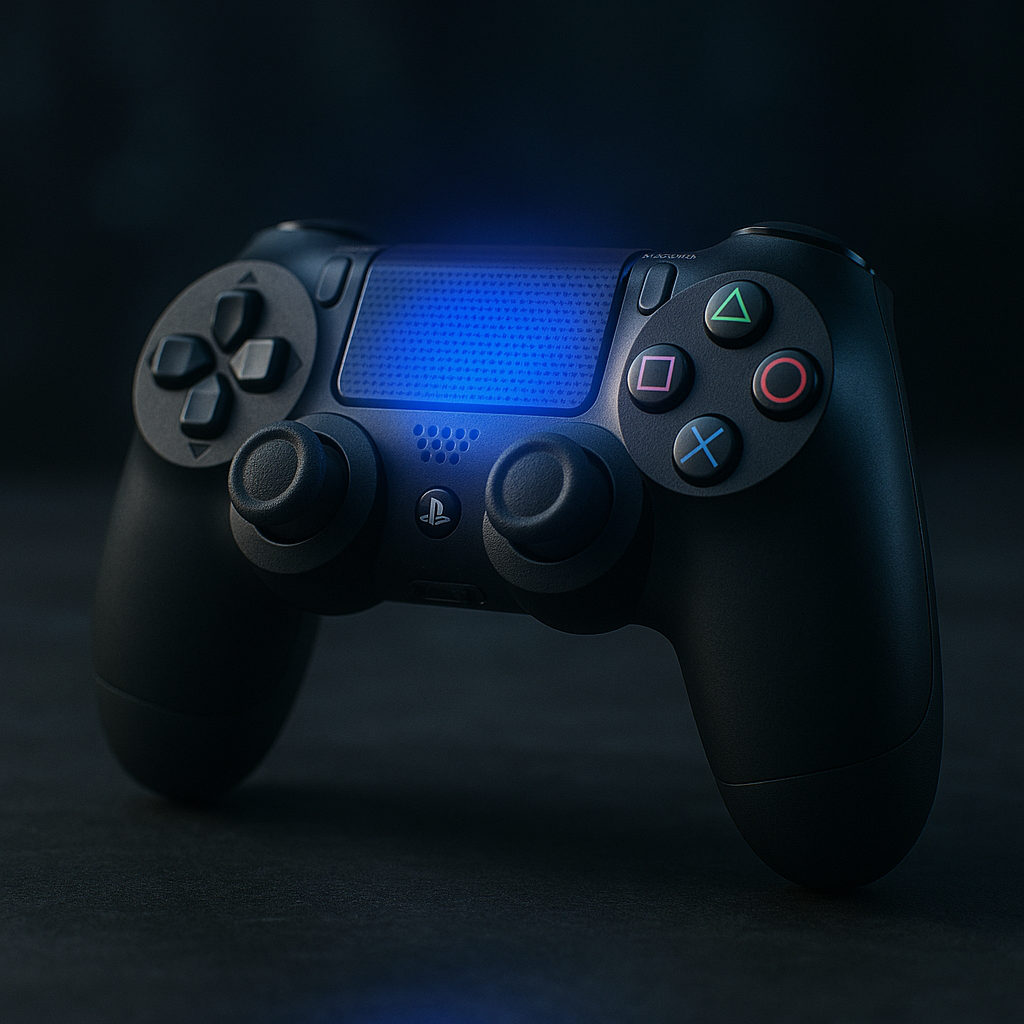
Common Causes for PS4 Controller Flashing Blue and How to Fix Them
Experiencing issues with your PS4 controller flashing blue can be frustrating, especially when you're in the middle of an intense gaming session. Understanding why this occurs is the first step in resolving the problem and getting back to your game. Back to the Ultimate Guide: Ultimate Guide to Understanding Why Your PS4 Controller is Flashing Blue for more comprehensive insights.
Table of Contents
Understanding the Blue Light
The blinking blue light on your PS4 controller is often an indication of connectivity issues, either between your controller and the console itself or sometimes a deeper hardware issue. Typically, a solid blue light means the controller is trying to pair with the console, but if the problem persists with a flashing light, it's time to troubleshoot.
Common Causes for PS4 Controller Flashing Blue
1. Pairing Issues
The most common reason for the blue light flashing on your PS4 controller is due to pairing issues. This can happen during initial setup or when trying to reconnect the controller to a different console. Ensure the console is powered on and not in Rest Mode.
2. Battery Problems
Another reason why your controller might be flashing blue is due to battery issues. A low or defective battery might prevent the controller from maintaining a stable connection with the console. Check the battery level by connecting the controller to the console via USB and charging it fully.
3. Software Glitches
Sometimes, software glitches on the PS4 console can cause problems with the controller synchronization. A quick system reboot can help resolve these unforeseen software problems.
4. Hardware Defects
If none of the above solutions work, there could be a hardware defect within the controller itself. Internal damage from drops or wear and tear can prevent proper communication with the PS4 console, leading to the flashing blue light.
How to Fix the Flashing Blue Light Issue
1. Reset the Controller
To reset your PS4 controller, locate the small reset button on the back of the controller near the L2 button. Use a small tool to press and hold the button for a few seconds. After resetting, attempt to reconnect it to the PS4 console.
2. Resync Controller with Console
Turn off the PS4 console by pressing and holding the power button until you hear two beeps. Connect the controller with a USB cable and then turn the console back on. Press the PS button on the controller to see if the issue persists.
3. Charge Your Controller
Ensure your controller's battery is not depleted by connecting it with a USB cable to charge. Allow it to charge fully before disconnecting the USB cable and trying to pair it again with the console.
4. Update Console Software
Check for any available system updates on your PS4 console. Navigate to Settings > System Software Update and ensure your system's firmware is up to date, as missing updates can cause connectivity issues.
5. Check for Hardware Issues
If the above fixes do not resolve the problem, you may need to consult with Sony support or check your warranty status if the controller is defective. Physical repairs might be necessary.
Frequently Asked Questions
No, the flashing blue light itself does not cause permanent damage. It is usually a sign of connection issues or requires a software fix.
Typically, charging the PS4 controller for about 2 hours should ensure it is fully charged. Use the USB cable provided by Sony for best results.
While not strictly necessary, using the original USB cable can help avoid any compatibility issues during the resync process.
If resetting doesn't help, try resyncing, charging fully, and updating the console's software. If all else fails, consider hardware issues or contact Sony support.