 PLAY
PLAYCommon Reasons Your Smartwatch Bluetooth Won't Connect and How to Fix Them
By Playloot Team · Jul 23, 2026
Common Reasons Your Smartwatch Bluetooth Won't Connect and How to Fix Them
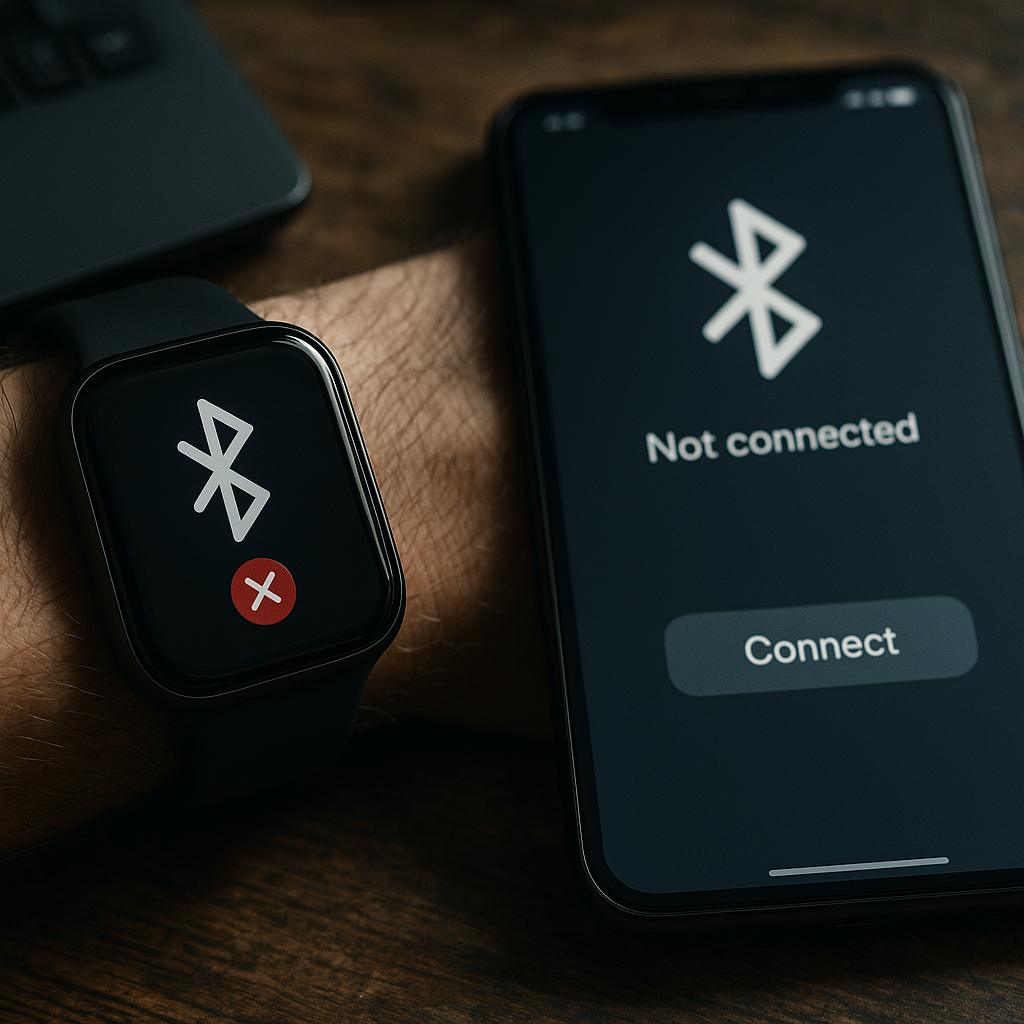
In today's tech-driven world, smartwatches have emerged as a critical extension of our smartphones, enabling users to stay connected and informed at all times. However, Bluetooth connectivity issues can often undermine this seamless experience, leading to frustration and inconvenience. To comprehensively tackle these challenges, revisit our full guide: Back to the Ultimate Guide: The Ultimate Guide to Troubleshooting Smartwatch Bluetooth Connectivity Issues.
Table of Contents
Common Causes of Bluetooth Connectivity Issues
Bluetooth connectivity problems on smartwatches can stem from various sources, making it imperative to identify and address the root cause. Here are the most common culprits:
1. Incompatibility Between Devices
Your smartwatch may fail to connect via Bluetooth if it's not compatible with your smartphone's operating system. Always verify compatibility before attempting to pair.
2. Outdated Software
Connectivity issues can also arise from outdated software on either the smartwatch or the smartphone. Regular updates ensure that bugs are fixed and new features are added, enhancing connectivity.
3. Bluetooth is Disabled
Sometimes, the simplest problems have simple solutions. Ensure that Bluetooth is enabled on both your smartwatch and smartphone, as it can accidentally be turned off during software updates or inadvertently by the user.
4. Range and Interference
Bluetooth has a limited range, typically around 30 feet. Physical obstructions and interference from other devices can disrupt connections, making proximity to your smartphone crucial.
5. Existing Connections
Smartphones can connect to multiple devices simultaneously via Bluetooth. If your smartphone is already linked with several devices, it may have trouble connecting to your smartwatch.
How to Fix Smartwatch Bluetooth Connectivity Issues
Now that we understand the common reasons, let's explore effective troubleshooting steps.
1. Verify Compatibility
Before attempting other solutions, ensure that your smartwatch is compatible with your smartphone. You can check the manufacturer's website or user manual for compatibility information.
2. Update Software
Keep both devices updated with the latest software. Updates often include patches that resolve known connectivity bugs.
3. Enable and Restart Bluetooth
Go to the settings on both devices to check if Bluetooth is enabled. Then, turn Bluetooth off and back on and restart both devices to refresh the connection protocols.
4. Minimize Interference and Enhance Proximity
Make sure your devices are within the effective Bluetooth range and free from physical obstructions and sources of interference, such as Wi-Fi routers or other electronic devices.
5. Disconnect Unnecessary Devices
Remove other Bluetooth devices from your smartphone's connection list if they are not in regular use. This allows the smartwatch to connect more easily.
Frequently Asked Questions
This issue could be due to compatibility problems, outdated software, or interference from other devices. Ensure your devices are within range and that Bluetooth is enabled.
Refer to the manufacturer's specifications on the packaging or on their website to confirm compatibility with your smartphone's operating system.
Yes, devices like Wi-Fi routers and other electronic gadgets can interfere with Bluetooth connections. Minimize such interference for better connectivity.
If issues persist, contacting the manufacturer's customer support can provide specialized help to troubleshoot hardware-specific issues.
Yes, updates can include bug fixes that resolve Bluetooth connectivity problems, thus optimizing the performance of both devices.