 PLAY
PLAYCommon Xbox Series X Disc Reader Problems: Causes and Solutions
By Playloot Team · Jun 20, 2026
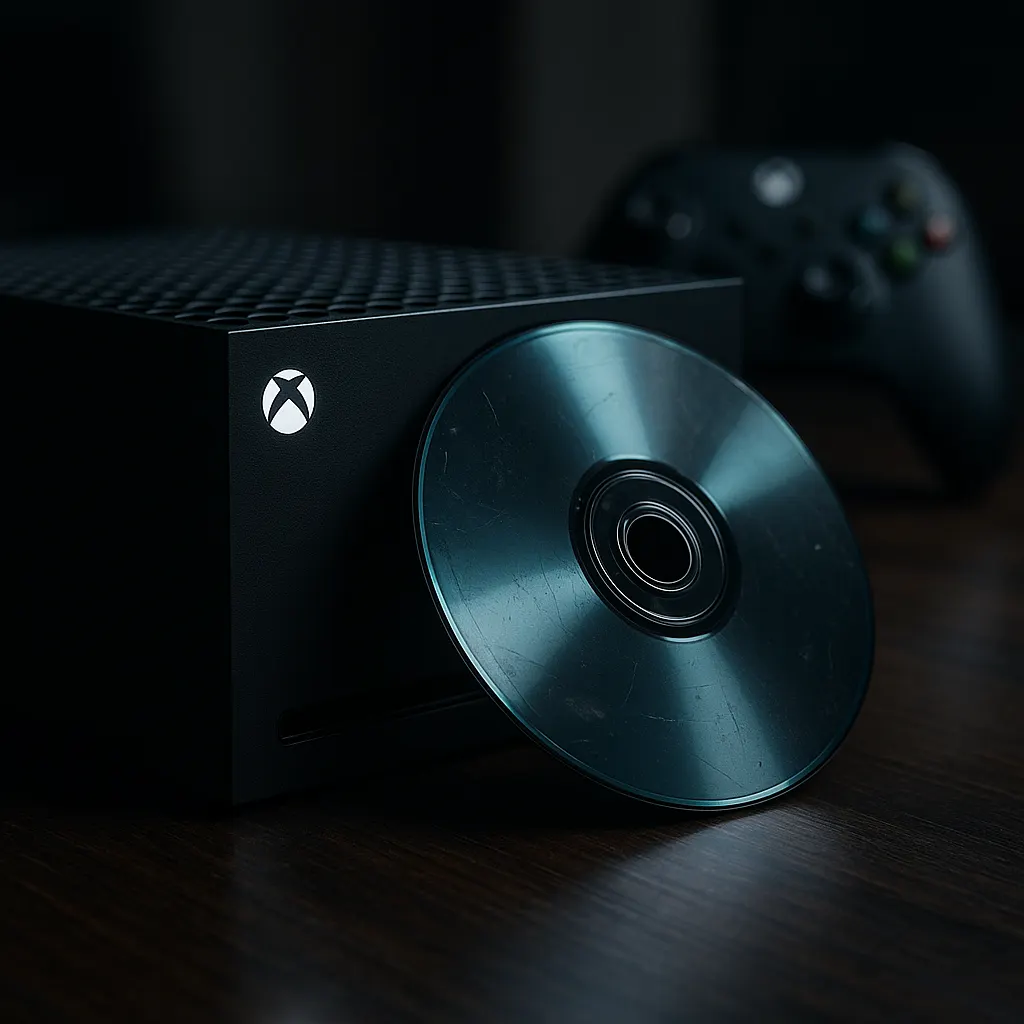
Common Xbox Series X Disc Reader Problems: Causes and Solutions
The Xbox Series X is a powerhouse of gaming technology, but like any device, it isn't immune to issues. One of the more prevalent problems gamers face is disc reader errors. Troubleshooting these can sometimes feel daunting, but understanding the causes can lead you to effective solutions. For a comprehensive look into resolving these issues, don't miss our main guide: Back to the Ultimate Guide: The Ultimate Guide to Fixing Xbox Series X Disc Reader Issues
Table of Contents
Common Causes of Disc Reader Problems
There are various reasons why your Xbox Series X might struggle with reading discs. Physical damage, system software issues, and dirt or obstructions can all contribute to the problem. Often, simple checks can identify these causes and make troubleshooting easier. Below, we explore some typical culprits and their respective solutions.
1. Dirty or Damaged Discs
Dust, scratches, or fingerprints can prevent your Xbox Series X from reading a disc accurately. Gently cleaning your disc with a soft, lint-free cloth from the center to the edge can make a difference. If the disc is scratched beyond repair, consider replacing it.
2. Faulty Disc Drive
Another common issue could be the disc drive itself. If the drive is making unusual noises or simply won’t accept discs, it might be faulty. In such cases, a professional repair or replacement might be necessary, especially if the console is under warranty.
3. Software Glitches
Software issues can also interfere with the disc reading capabilities of your console. Ensure your console is up-to-date with the latest software patches. Sometimes, a simple restart can clear glitches and restore normal function.
4. Environmental Factors
Surrounding temperature and humidity levels can also affect your console’s operation. Ensure your Xbox Series X is placed in a well-ventilated area, away from sources of heat or cold. Avoid placing the console in confined spaces.
Solutions to Disc Reader Problems
Identifying the root cause of disc reading problems is half the battle. Here are some potential solutions based on the problems mentioned earlier:
Cleaning the Disc
Mild soap and water, carefully wiping with a soft cloth, can clear residues. This should be the first step in troubleshooting.
Updating the Software
Connecting your Xbox Series X to the internet and allowing it to download the latest system updates can resolve numerous software-related issues.
Professional Repair
If these approaches do not work, and particularly if you notice physical failures in the disc drive, seeking professional support may be your best option.
Preventive Maintenance
Prevent issues by regularly checking on both the discs and the console. Keeping everything clean and ensuring the console runs in an ideal environment can prevent future problems.
Frequently Asked Questions
Several factors can cause this issue, including dirty or damaged discs, a faulty disc drive, or software errors. Start by cleaning the disc and ensuring your console is updated.
Minor scratches can sometimes be repaired using disc repair kits available in stores, but deep scratches might render the disc unusable.
Regular cleaning of discs and the console, ensuring software updates, and situating the console in a well-ventilated area can prevent many issues.
Opening your console can void warranties and potentially cause further damage if not handled correctly. It is advisable to seek professional help for hardware issues.
Yes, extreme temperatures and high humidity can impact the functioning of your console. Ensure it's placed in an environment with stable conditions.