 PLAY
PLAYDiagnosing Common Xbox Series X Fan Problems
By Playloot Team · Aug 01, 2026
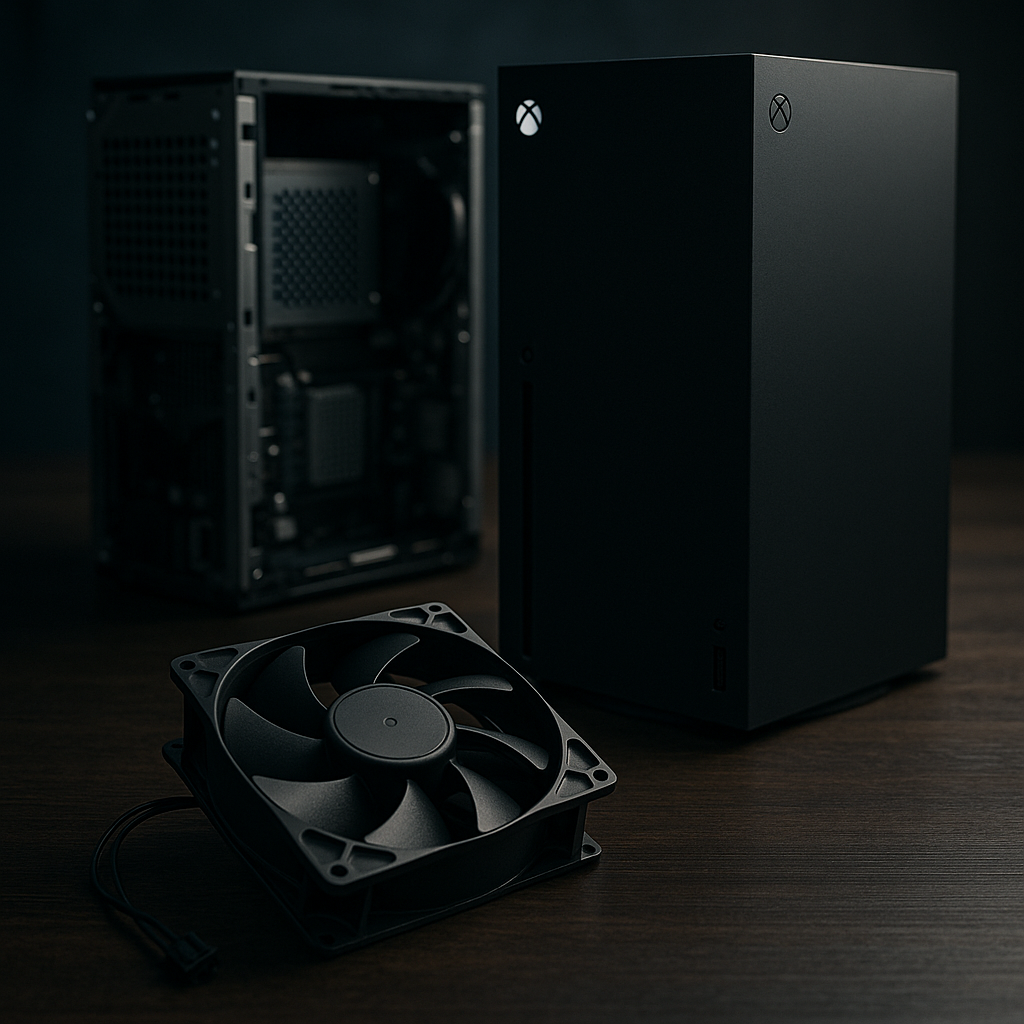
Diagnosing Common Xbox Series X Fan Problems
As a gaming aficionado, nothing is more frustrating than experiencing unexpected hardware issues, especially with your Xbox Series X. Often, the fan can become a source of concern, whether it's making unusual noises, working harder than it should, or failing altogether. Diagnosing these common fan problems can prevent further damage and enhance your gaming experience. For an in-depth troubleshooting process, Back to the Ultimate Guide: The Ultimate Guide to Fixing Xbox Series X Fan Issues.
Table of Contents
Understanding the Xbox Series X Fan Functionality
The Xbox Series X relies on an efficient cooling system to maintain optimal performance during intense gaming sessions. The internal fan plays a crucial role in keeping the system cool by drawing heat away from the internal components. Over time, various issues can impact the fan's ability to function effectively, leading to overheating, noise, and performance degradation.Common Fan Issues and How to Identify Them
Noisy Fan Operation
A fan that's noisier than usual is often the first symptom of a potential issue. This can be caused by dust accumulation, a misaligned fan, or worn-out bearings. Listen for grinding, clicking, or whirring noises that deviate from the typical sound produced during operation.Consistent Overheating
If your Xbox Series X feels excessively hot and the fan seems to struggle to cool it down, overheating might be the problem. This situation can arise from blocked vents, ambient room temperature, or a malfunctioning power supply.Fan Failure
A more severe problem is complete fan failure, where the fan stops operating entirely. Without cooling, the system can overheat quickly, potentially leading to hardware damage. Symptoms include sudden shutdowns and overheating warnings.Steps for Diagnosing Fan Problems
1. **Visual Inspection**: Begin by checking for obvious signs of dust and debris. Ensure the Xbox is positioned in a well-ventilated area. 2. **Auditory Check**: Pay attention to any unusual noises when your console is running. This can help pinpoint mechanical issues. 3. **Performance Monitoring**: Notice if your Xbox Series X is struggling to stay cool during standard operations. Use external devices to monitor system temperature if possible. 4. **Power Cycle**: Sometimes, a simple power cycle can reset system components and resolve minor issues. 5. **Firmware Update**: Ensure your Xbox has the latest updates installed. Software glitches or outdated drivers can affect fan performance.When to Seek Professional Assistance
While minor issues can often be resolved with routine cleaning and maintenance, recurring problems may require professional help. If your fan issues persist after troubleshooting, consider contacting Microsoft support or a certified repair service to prevent further damage.Frequently Asked Questions
Fan noise can result from dust buildup, obstructions in the ventilation, or mechanical issues within the fan itself. Cleaning the vents and ensuring unobstructed airflow can help.
Yes, excessive overheating can lead to hardware damage. Ensuring regular maintenance and proper ventilation reduces this risk.
Cleaning your Xbox fan every few months or whenever you notice increased noise levels is recommended to maintain optimal performance.
Attempting repairs can void the warranty and might cause further damage if not done properly. Consulting a professional is advised for significant issues.
Yes. Placing your Xbox in a well-ventilated area, away from other electronics and not enclosed within tight spaces, can improve overall airflow and fan efficiency.