 PLAY
PLAYHow Often Should You Clean Your PS5 Fan?
By Playloot Team · Aug 06, 2026
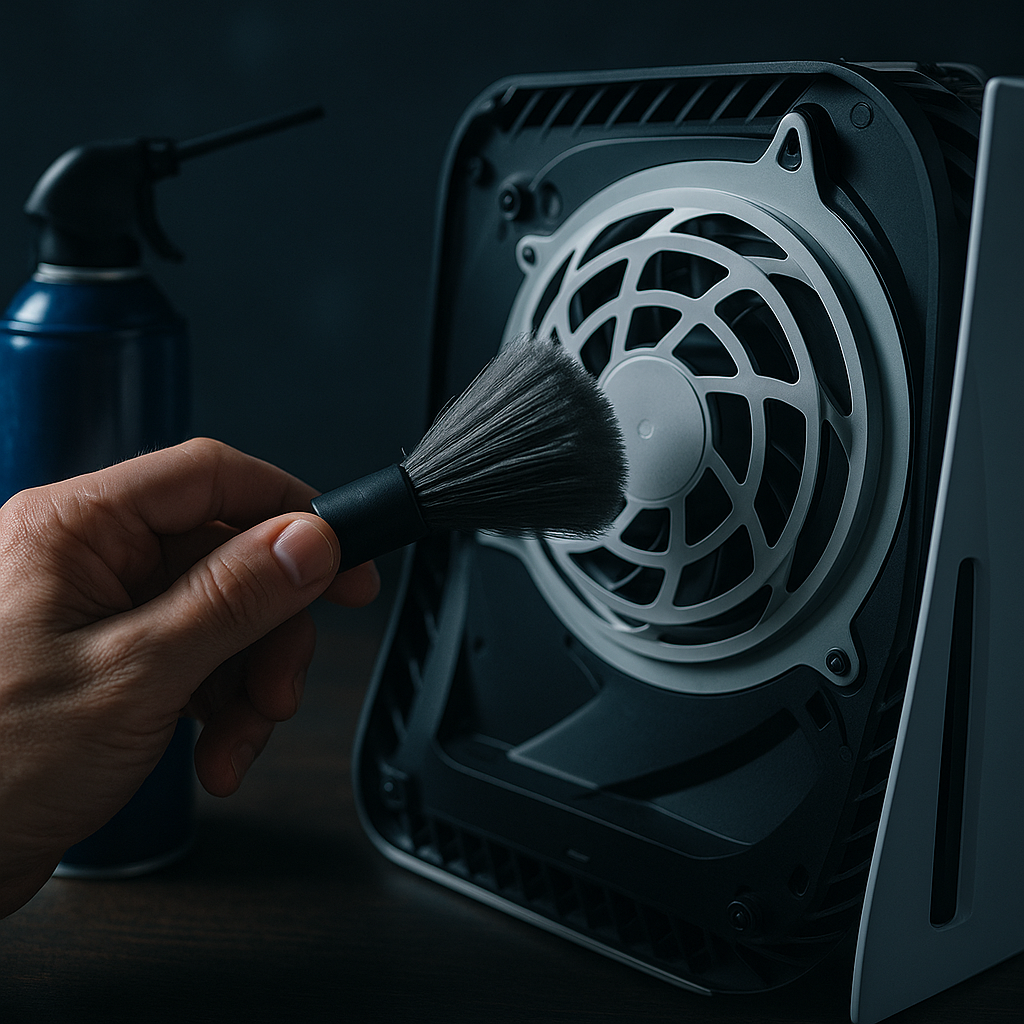
How Often Should You Clean Your PS5 Fan?
Regular maintenance of gaming consoles is critical for ensuring optimal performance, and the PlayStation 5 (PS5) is no exception. One component that requires attention is the fan system, which plays a vital role in cooling the console to prevent overheating. But how often should you clean your PS5 fan to keep the system running smoothly? Let's dive in.
Table of Contents
Back to the Ultimate Guide: The Ultimate Guide to Cleaning Your PS5 Fan for Optimal Performance
Why Regular Cleaning is Essential
Over time, dust and debris accumulate inside your PS5, clogging the fan and airflow paths. This can lead to the system overheating, which may not only cause annoying noise but also potentially damage internal components. Regular cleaning ensures the fan operates efficiently, prolonging the life of your console and keeping that sound of the struggling fan at bay.
Recommended Cleaning Frequency
The frequency of cleaning your PS5 fan depends largely on the environment where the console is used. Ideally, you should aim to clean your PS5 fan every 3 to 6 months. Here are some factors that might adjust this timeframe:
- Heavy Usage: If you're a hardcore gamer with extended daily sessions, consider cleaning every 2-3 months to handle the increased dust accumulation.
- Dusty Environment: In particularly dusty or pet-friendly homes, more frequent cleanings may be necessary, potentially every 1-2 months.
- Light Usage: If you use your PS5 sparingly, a cleaning every 6 months should suffice.
Signs Your PS5 Needs Cleaning
Besides sticking to a regular cleaning schedule, it's important to be aware of signs indicating immediate attention. These include increased fan noise, noticeable heat levels, and any performance lag or system crashes. If these occur, disassemble and clean your PS5 fan to restore efficient performance.
How to Clean Your PS5 Fan Safely
Ensure you're using safe practices while cleaning. Before starting, power off and unplug the console. The best tools include a can of compressed air, soft brushes, and microfiber cloths. Gently remove the faceplates of the PS5 to access the fan and vents. Avoid using strong chemicals or mishandling the delicate components inside.
Remember, maintaining your console does not stop at just cleaning the fan; regular software updates and safe storage will also contribute to the longevity of your PS5.
Conclusion
Routine maintenance of your PS5 fan is a small chore with significant benefits. Consistent cleaning prevents overheating, keeps the fan running smoothly, and allows you to enjoy your gaming experience without hiccups. With a little care, your PS5 can remain a reliable companion for years.
Frequently Asked Questions
You may notice increased fan noise, warmer exterior temperatures, and potential system slowdowns or crashes. These are signs indicating it's time to clean your PS5 fan.
You will need a can of compressed air, a soft brush, and a microfiber cloth for effective cleaning of the PS5 fan.
No, using a vacuum cleaner is not recommended as it may generate static electricity that can damage the console's components.
Yes, you can take your PS5 to professional services, especially if you're not comfortable doing it yourself. They ensure the cleaning is done safely without voiding warranties.