 PLAY
PLAYHow to Safely Clean Your Apple Watch Screen Without Damaging It
By Playloot Team · Oct 02, 2026
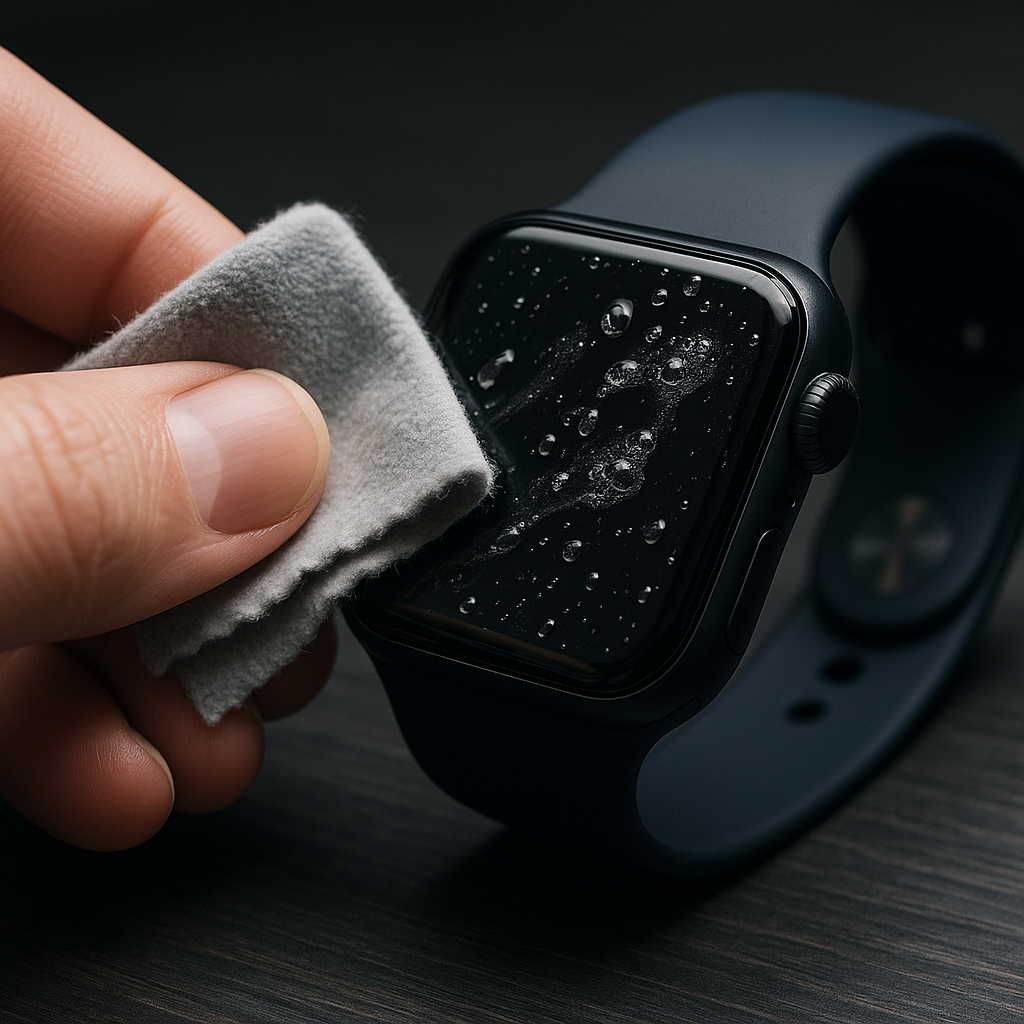
How to Safely Clean Your Apple Watch Screen Without Damaging It
Your Apple Watch is not just a valuable piece of technology but also a fashion statement that sits proudly on your wrist all day. Keeping it in pristine condition ensures that it functions optimally while maintaining its stylish look. Although cleaning your Apple Watch screen sounds simple, it requires some specific care to avoid damage. For comprehensive instructions on cleaning all parts of your Apple Watch, Back to the Ultimate Guide: The Ultimate Guide to Cleaning Your Apple Watch: Tips and Best Practices.
Table of Contents
Tools and Materials You'll Need
Before diving into the cleaning process, assemble the following materials: a soft, lint-free cloth (such as microfiber), distilled water, and if necessary, a small amount of soap. It's important to avoid using any abrasive materials or harsh chemicals as they might scratch or cloud the clarity of your Apple Watch screen.
Step-by-Step Cleaning Process
Step 1: Power Off Your Watch
Before you begin cleaning, ensure that your Apple Watch is turned off. To power it down, press and hold the side button until the "Power Off" slider appears. Slide to turn off your device. Removing the watch bands can give you better access to the screen, but it's not necessary.
Step 2: Dampen the Cloth
Lightly dampen the microfiber cloth with distilled water. Ensure it's damp and not dripping wet, as too much moisture can damage electronic devices. Avoid spraying water directly onto the Apple Watch screen.
Step 3: Clean the Screen
Gently wipe the screen with the damp cloth using a circular motion. This helps in lifting any dirt or smudges from the surface. If there are any stubborn spots, a small amount of hand soap can be added to the cloth. Ensure all soap residues are wiped away to prevent streaks.
Step 4: Dry the Screen
Use a different clean, dry section of the microfiber cloth to thoroughly dry the screen. Avoid using paper towels or any fabric that might leave scratches or lint behind.
Additional Tips
Regularly clean your Apple Watch’s screen to keep it free from debris and make it easier to maintain in the long run. When cleaning, ensure that all ports and openings remain dry to avoid any liquid damage. Avoid exposing your watch to extreme temperatures, as they can damage the screen and internal components.
Frequently Asked Questions
While Apple suggests using disinfectant wipes that contain 70% isopropyl alcohol, it's best to stick to a lint-free cloth with water to minimize any potential risks of screen damage.
For optimal clarity and hygiene, it's recommended to clean your Apple Watch screen at least once a week or more if it's exposed to sweat and dirt frequently.
Yes, a high-quality screen protector can help prevent scratches and smudges, making it easier to keep your Apple Watch in top condition.
If liquid enters your Apple Watch, immediately power it off, remove any bands, and allow it to dry completely before powering it on.
No, while some Apple Watch models are water-resistant, it's not advisable to submerge them. Stick to damp cloth cleaning for the best results.