 PLAY
How to Transfer PS4 Games and Saves to PS5 (2026 Step-by-Step Guide)
By Playloot Team · Nov 10, 2026
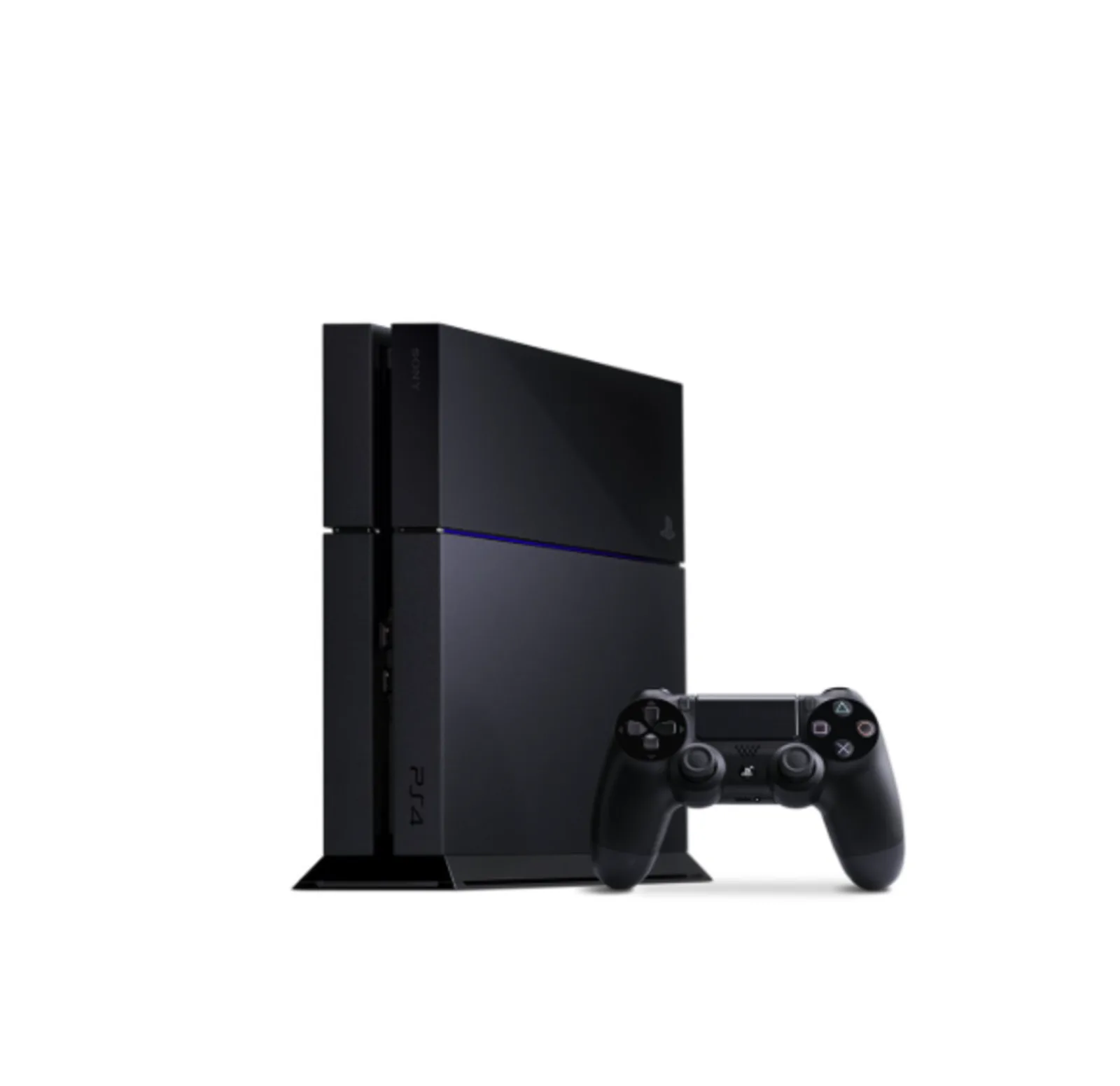
Upgrading from a PS4 to a PS5 does not mean starting from scratch. The PS5 plays almost every PS4 game, and Sony gives you several ways to bring your games, saved progress and settings across. With GTA 6 arriving on 19 November 2026 for PS5 and Xbox Series X|S only, many players are making the jump right now, so here is exactly how to move everything over without losing a single save.
Table of Contents
- Before You Start: A 2-Minute Checklist
- Method 1: Direct Transfer Over Wi-Fi or LAN (Easiest)
- Method 2: Use Your PS4's External Hard Drive on the PS5
- Method 3: Cloud Saves With PS Plus
- Method 4: Copy Saves With a USB Pen Drive
- Upgrading PS4 Games to Their PS5 Versions
- What Does Not Transfer
- After the Transfer: Sell Your PS4 for the Best Price
- Frequently Asked Questions
Before You Start: A 2-Minute Checklist
- Update both consoles to the latest system software.
- Sign in to the same PSN account on the PS4 and the PS5. Your games and saves are tied to that account.
- Check free space on the PS5. The original PS5 has about 667 GB of usable storage and the PS5 Slim about 848 GB. If your PS4 library is bigger, pick the games you actually play.
- Keep both consoles on the same home network, or have an Ethernet (LAN) cable ready.
Method 1: Direct Transfer Over Wi-Fi or LAN (Easiest)
This copies games, saved data and user settings straight from the PS4 to the PS5.
- Switch on both consoles and connect them to the same network. A LAN cable between them is the fastest option.
- On the PS5, go to Settings > System > System Software > Data Transfer.
- Select Continue, then choose your PS4 from the list.
- When asked, press and hold the PS4's power button for about one second until it beeps. This prepares it for the transfer.
- Choose what to move: saved data, games and apps, or everything.
- Start the transfer and leave both consoles alone until it finishes. Large libraries can take a few hours.
Tip: if you are short on time, transfer only your saved data first. You can download the games later from your PSN library or install them from disc.
Method 2: Use Your PS4's External Hard Drive on the PS5
If your PS4 games are on a USB external hard drive, simply plug it into the PS5. The PS5 recognises it as extended storage, and you can play PS4 games directly from the drive. PS5 games cannot run from a USB hard drive, but you can store them there and copy them back to the internal SSD when you want to play.
Method 3: Cloud Saves With PS Plus
PS Plus members can upload saves from the PS4 (Settings > Application Saved Data Management > Saved Data in System Storage > Upload to Online Storage) and download them on the PS5 under Settings > Saved Data and Game/App Settings. This is handy if your PS4 is already sold or packed away.
Method 4: Copy Saves With a USB Pen Drive
No PS Plus? Copy PS4 saves to a USB drive on the PS4 (Application Saved Data Management > Saved Data in System Storage > Copy to USB Storage Device), then plug the drive into the PS5 and copy them across from the PS4 saved data section of the PS5's saved data settings.
Upgrading PS4 Games to Their PS5 Versions
Many big games offer a free PS4-to-PS5 upgrade, including several PlayStation Studios titles. When you open a game's page on the PS5, look for the PS5 version in the version selector. Some games carry saves across automatically; others need you to upload the PS4 save in-game first. Check each game's page before you delete the PS4 copy.
Disc games: PS4 discs work on a PS5 with a disc drive (the Disc Edition, or a Digital Edition with the add-on drive). If most of your PS4 collection is on disc, compare the two models in our PS5 Disc vs Digital guide.
What Does Not Transfer
- A handful of PS4 games do not run on PS5. Sony keeps an official list; it is very short.
- Some PS4 accessories, such as the original PS VR, need adapters or are not supported for PS5 games.
- The DualShock 4 works with PS4 games on PS5, but not with PS5 games. You will need a DualSense for those.
After the Transfer: Sell Your PS4 for the Best Price
Once your saves are safely on the PS5, do a factory reset on the PS4 (Settings > Initialization > Initialize PS4 > Full) and deactivate it as your primary PS4 under Account Management. Then sell it while demand is still good. Playloot gives instant quotes with free doorstep pickup for your PS4. Still need a PS5? Browse tested, pre-owned consoles with warranty in our console shop.
Frequently Asked Questions
Can I transfer PS4 games to PS5 without Wi-Fi?
Yes. Connect the two consoles with a LAN cable, or move the games on a USB external hard drive and play PS4 titles straight from it.
Will my PS4 trophies and saves carry over?
Trophies are linked to your PSN account and appear automatically. Saves need to be moved with one of the methods above.
Can I play PS4 games on the PS5 Digital Edition?
Yes, digital PS4 games work. PS4 discs need a disc drive.
How long does a PS4 to PS5 transfer take?
Saves alone take minutes. A full game library can take several hours depending on its size and your network; a LAN cable is fastest.
Do I need PS Plus to transfer saves?
No. The direct transfer and the USB method both work without PS Plus. Cloud saves need PS Plus.
Menu names are from the current PS4 and PS5 system software as of November 2026 and may change slightly with updates.