 PLAY
PLAYMaximizing Battery Life on Your Pixel Watch 3 45mm
By Playloot Team · Aug 15, 2026
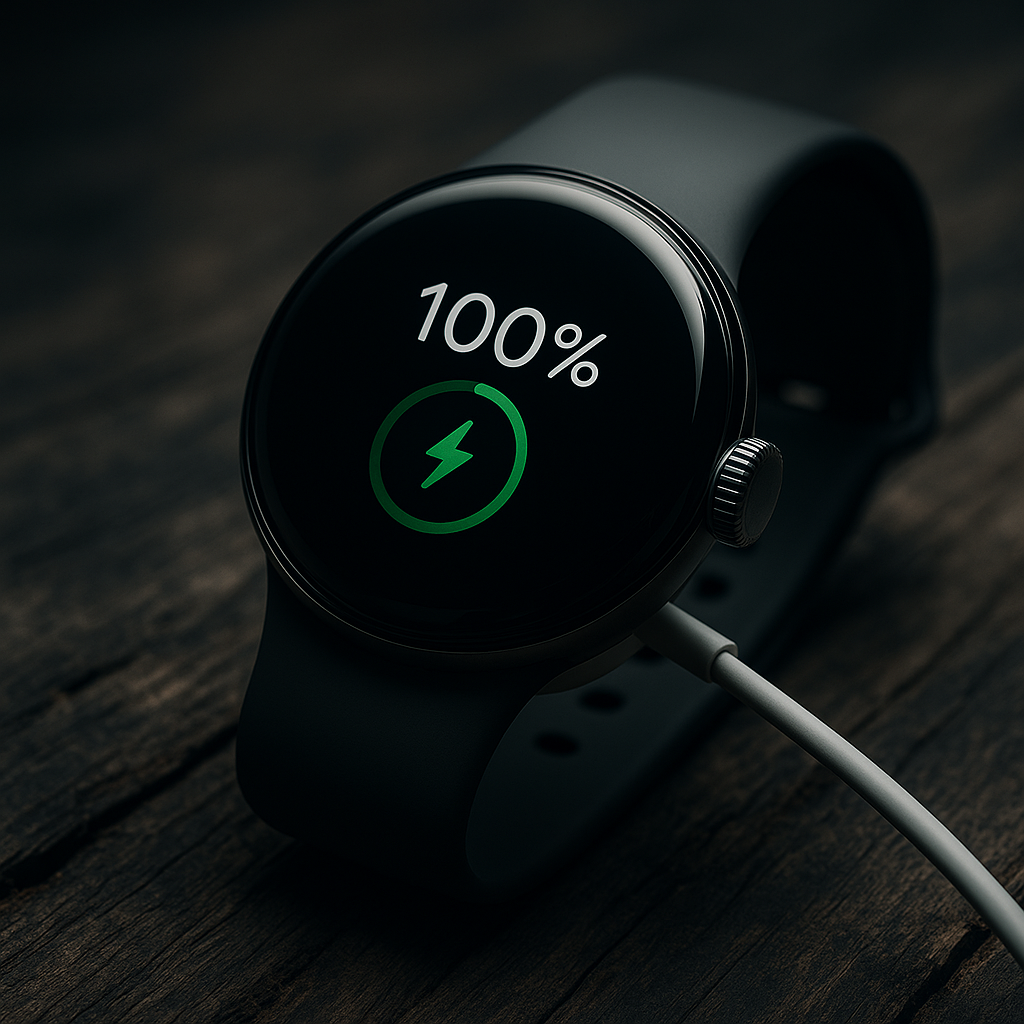
Maximizing Battery Life on Your Pixel Watch 3 45mm
The Pixel Watch 3 45mm has made quite a splash with its sleek design and robust features. However, to make the most of your smartwatch, ensuring that the battery can hold up to your lifestyle is essential. In this guide, we'll explore various strategies to increase the longevity of your watch's battery life. If you're just getting started, you might want to check out our comprehensive overview here: Back to the Ultimate Guide: The Ultimate Guide to Mastering Your Pixel Watch 3 45mm: Tips and Tricks.
Table of Contents
The battery life of any wearable device is crucial, especially if it frequently replaces multiple gadgets on your wrist. The Pixel Watch 3 45mm, with its blend of style and functionality, requires proper management to maximize its battery life. Here are actionable tips to ensure your watch stays powered longer throughout the day.
Adjust Screen Brightness
One of the most effective ways to conserve battery life is by adjusting the screen brightness. The Pixel Watch 3 45mm comes with an ambient light sensor that automatically adjusts the brightness according to your environment. However, manually setting the brightness to an optimal level can save a substantial amount of battery.
Utilize Battery Saver Mode
The Battery Saver mode is a built-in feature designed to extend your watch's life during critical moments. When enabled, it reduces vibrations, limits background app refresh, and deactivates always-on display. Activating this mode during low battery scenarios can provide you with crucial extra hours of usage.
Manage Connectivity Features
Your watch’s connectivity features, like GPS, Bluetooth, and Wi-Fi, can quickly drain the battery if left on unnecessarily. Be sure to disable these features when they aren't needed. For instance, if you're stationary or not using other devices linked to your watch, turning off Bluetooth can save battery life.
Update Software Regularly
Software updates often include battery optimization improvements. Keeping your Pixel Watch 3's operating system updated ensures that you are benefiting from the latest enhancements and performance tweaks, which can result in better energy efficiency.
Reduce Notifications
Every notification and alert consumes a bit of your watch's battery. By curating which apps can send notifications and limiting them to essentials, you can significantly reduce battery drain. Dive into the settings menu and prioritize alerts that are vital.
Use Minimalistic Watch Faces
The choice of watch face plays a role in battery consumption. Opting for a simpler, less dynamic watch face will use less energy compared to an animated or information-heavy face that updates frequently.
Frequently Asked Questions
Yes, the Pixel Watch 3 45mm is equipped with battery management technology that prevents overcharging. Charging it overnight will not harm the battery.
Absolutely. The always-on display is convenient but consumes battery continuously. Turning it off can significantly enhance your watch's battery life.
Performing a full charge cycle, going from 0% to 100%, once a month is sufficient to calibrate the battery and sustain its health over time.
Batteries naturally degrade over time. However, regular software updates and managing battery-draining features can help mitigate this effect.
While dedicated battery management apps for wearables might be limited, the Pixel Watch 3 provides in-built settings that offer insights into battery consumption and allow you to manage apps and features effectively.