 PLAY
PLAYPS5 Console Setup Guide: Getting Started with Your New PlayStation
By Playloot Team · May 03, 2026
PS5 Console Setup Guide: Getting Started with Your New PlayStation
Congratulations on joining the next generation of gaming with your brand new PlayStation 5! Setting up your new console is a straightforward process, but there are key steps to ensure you get the best experience from the start. If you're looking for a more in-depth walkthrough on everything the PS5 offers, be sure to check back to Back to the Ultimate Guide: The Ultimate Guide to PS5 Console: Features, Setup, and Gaming Experience.
Table of Contents
Unboxing your PS5
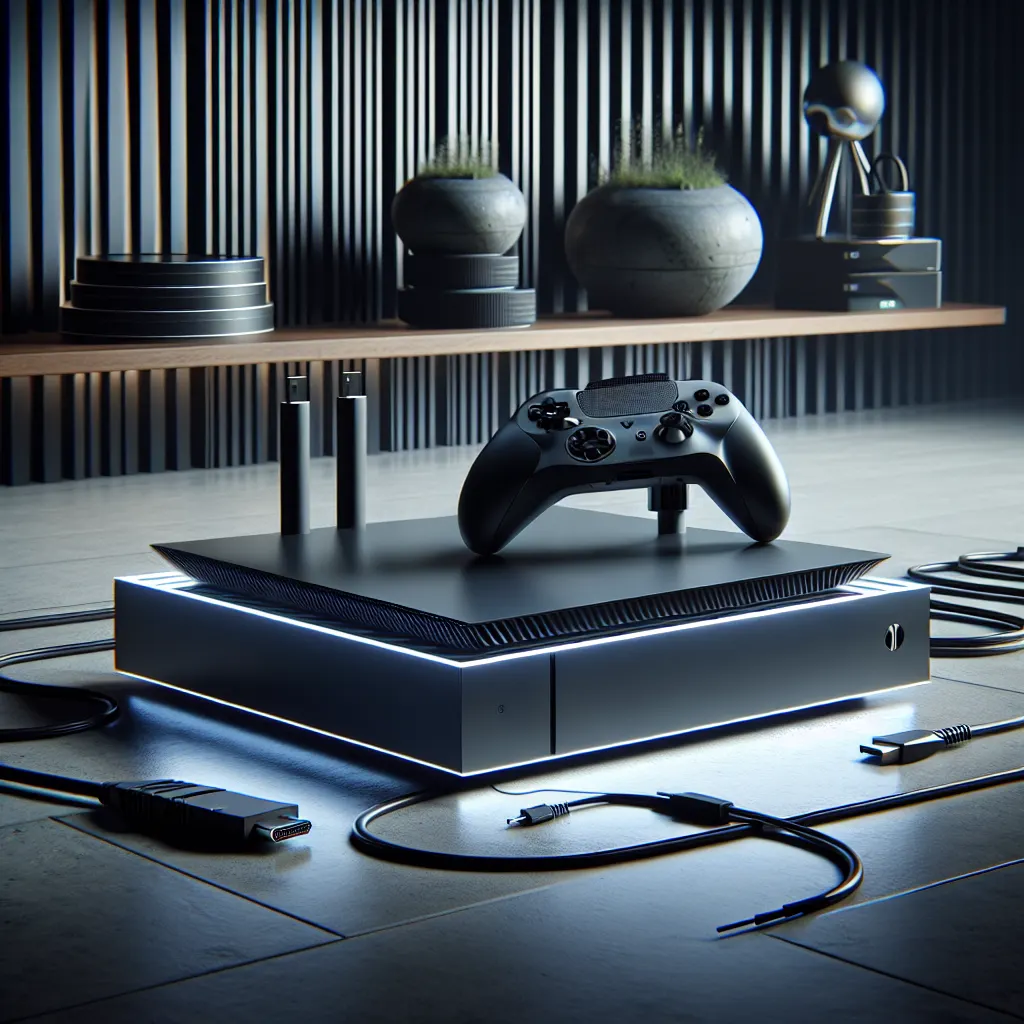
When you first unbox your PlayStation 5, you’ll find the console, a DualSense wireless controller, a power cable, an HDMI cable, a USB-C cable for charging your controller, and a Quick Start Guide. Make sure all items are included before proceeding to the setup.
Finding the Right Spot for Your PS5
The PS5 is a large console, so ensure you have adequate space in your entertainment setup. The console can be placed vertically or horizontally, depending on your space constraints and personal preference. The package includes a stand to support either orientation.
Connecting the Cables
Once you've found the ideal location, connect the power cable to the back of the PS5 and plug it into your power source. Similarly, take the HDMI cable and connect it from the HDMI OUT port on the PS5 to your TV or monitor. If you have a 4K HDR TV, this will ensure you get the full visual experience that the PS5 offers.
Initial Power-Up
Press the power button on your PS5 to start your console for the first time. Follow the on-screen instructions to pair your DualSense controller by pressing the PlayStation button. You’ll be prompted to select your language and connect to the internet via Wi-Fi or a LAN cable for a more stable connection.
Updating Your PS5
Once connected to the internet, your PS5 will check for system updates. It’s crucial to allow your console to download and install any available updates to ensure you have the latest features and security enhancements.
Creating or Logging into Your PlayStation Network Account
Create a new PlayStation Network account or log in to an existing one. This will allow you access to the PlayStation Store, online multiplayer, and other features of the PS5 ecosystem. Consider setting up two-factor authentication for added security.
Transferring Data and Games
If you're upgrading from a PS4, consider transferring your saved data and games using an external hard drive or a direct transfer over your local network. This step is optional but can save you from starting games over from scratch.
Exploring the PS5’s Interface
Take some time to navigate through the PS5’s user-friendly interface. Discover various features and settings to customize your experience, from theme adjustments to parental controls if you have young gamers in the household.
Installing Games and Enjoying Your Console
Insert a physical game disc or download a digital game from the PlayStation Store to start enjoying your new console. The PS5 boasts incredibly fast load times, courtesy of its custom SSD, making your gaming experience smooth and quick to respond.
Frequently Asked Questions
To set up the DualSense controller, connect it to the PS5 via the USB-C cable provided. Press the PS button once connected to finalize the pairing process.
Yes, the PS5 is backward compatible with most PS4 games. You can insert your PS4 game disc or download them through your PlayStation Network account.
You can transfer your saved data using a LAN cable or via your Wi-Fi connection. Another method includes using a compatible external storage device.
During the initial setup, select set up an internet connection and choose either Wi-Fi or use a LAN cable for a wired connection.