 PLAY
PLAYStep-by-Step Instructions for Cleaning DualSense Controller Stick Drift
By Playloot Team · Aug 27, 2026
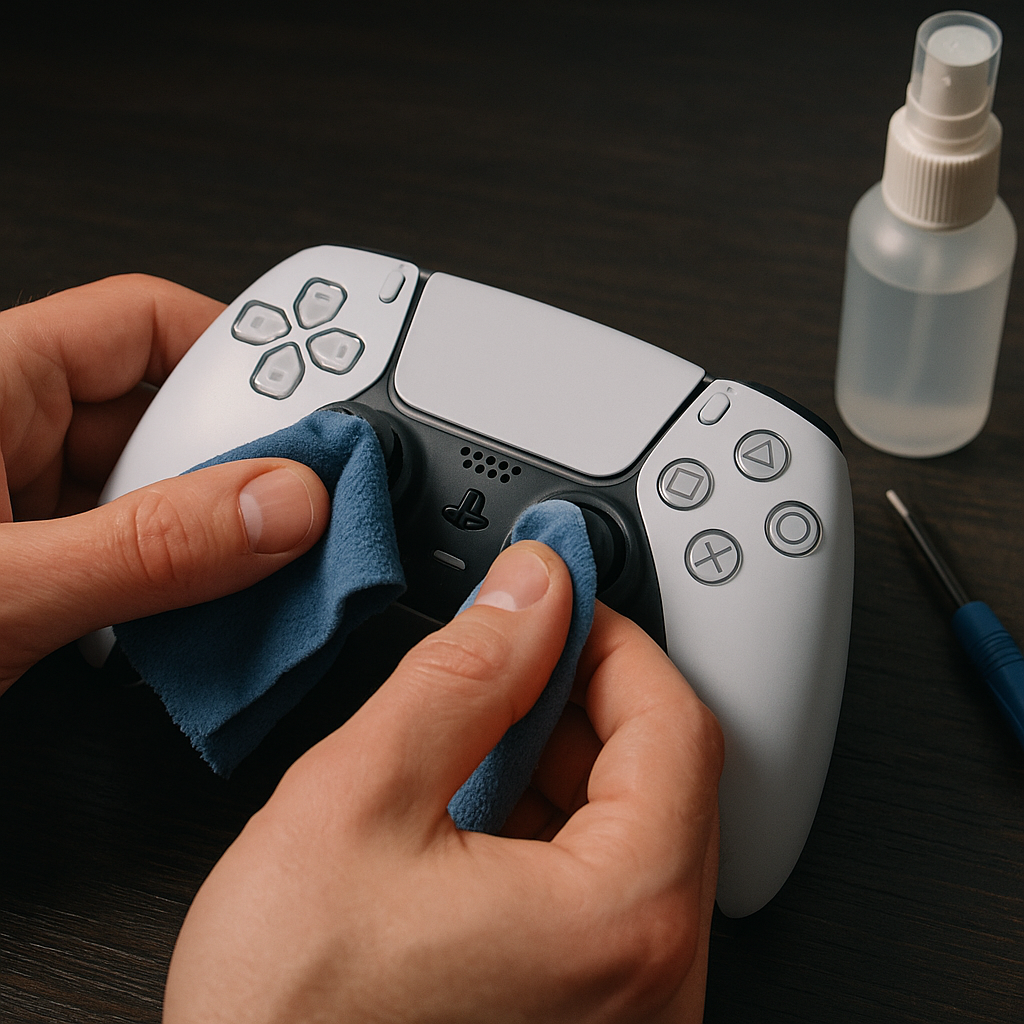
Step-by-Step Instructions for Cleaning DualSense Controller Stick Drift
PlayStation 5's DualSense controllers are known for their immersive haptic feedback and adaptive triggers, but like any piece of hardware, they can sometimes run into issues, such as stick drift. This common problem occurs when the analog sticks register movement even when you’re not touching them, leading to a frustrating gaming experience. In this step-by-step guide, we’ll walk you through the process to clean your DualSense controller and potentially resolve stick drift without causing damage.
If you're looking for an in-depth solution beyond just cleaning, consider checking out our comprehensive resource: Back to the Ultimate Guide: The Ultimate Guide to Fixing DualSense Controller Stick Drift.
Materials Needed:
- Isopropyl alcohol (70% or higher)
- Cotton swabs or microfiber cloth
- Flat-head or Phillips screwdriver (small)
- Compressed air can (optional)
Step-by-Step Instructions:
Step 1: Prepare Your Workspace
Before you begin, ensure you have a clean, flat surface to work on. Lay down a soft cloth to prevent scratching the controller. Make sure your workspace is well-lit to see tiny components clearly.
Step 2: Remove the Back Cover
Use a screwdriver to remove the screws located on the back of your DualSense controller. Carefully set aside the screws to avoid losing them. Gently pry apart the shell, starting from the seam along the grips, and set the back cover aside once removed.
Step 3: Clean the Analog Sticks
Dip a cotton swab into isopropyl alcohol, ensuring that it’s damp but not dripping. Lightly rub the swab around the base of each analog stick. Applying slight pressure, move the stick to the side to access the surrounding areas. Repeat this step using a fresh swab until you’ve cleaned all around the base of each stick.
Step 4: Use Compressed Air
For an extra measure, consider using a can of compressed air to blow out any remaining dust or debris around the analog sticks. Hold the can upright and spray short bursts into the crevices around the sticks.
Step 5: Reassemble the Controller
Once the cleaning process is complete, carefully align the back cover of the controller and snap it back into place. Re-insert the screws and tighten them, ensuring the controller is securely fastened. Once reassembled, test the controller to check if the stick drift issue has been resolved.
Conclusion
These steps are a simple and effective way to address minor stick drift problems with your DualSense controller. Regular maintenance can prolong the life of your controllers and enhance your gaming experience. If the issue persists, you may need further assistance or consider professional repair services.
Frequently Asked Questions
No, cleaning your controller should not void the warranty as long as you follow the instructions carefully and avoid any physical damage.
If the problem persists, it may require more in-depth repair or replacement of internal components. Refer to the Ultimate Guide for further solutions.
It is recommended to use isopropyl alcohol as it evaporates quickly and doesn’t leave residue. Other cleaning agents may damage the controller.
Regularly inspect and clean your controller every few months or when noticeable grime or drift issues arise, to ensure optimal performance.