PLAY
PLAYThe Ultimate Guide to Fixing DualSense Controller Stick Drift
By Playloot Team · Aug 27, 2026
The Ultimate Guide to Fixing DualSense Controller Stick Drift
The DualSense controller, known for its advanced features and ergonomic design, has become a favorite among PlayStation 5 gamers worldwide. However, like any sophisticated piece of technology, it's not without its occasional issues. One common problem that gamers might encounter is stick drift. This guide provides a comprehensive overview of DualSense controller stick drift, covering everything from its causes and prevention to various methods of repair. Alongside our detailed explanations, we provide links to specific, in-depth resources (coming soon) tailored to help you tackle each aspect of the problem head-on.
Overview of Stick Drift in DualSense Controllers
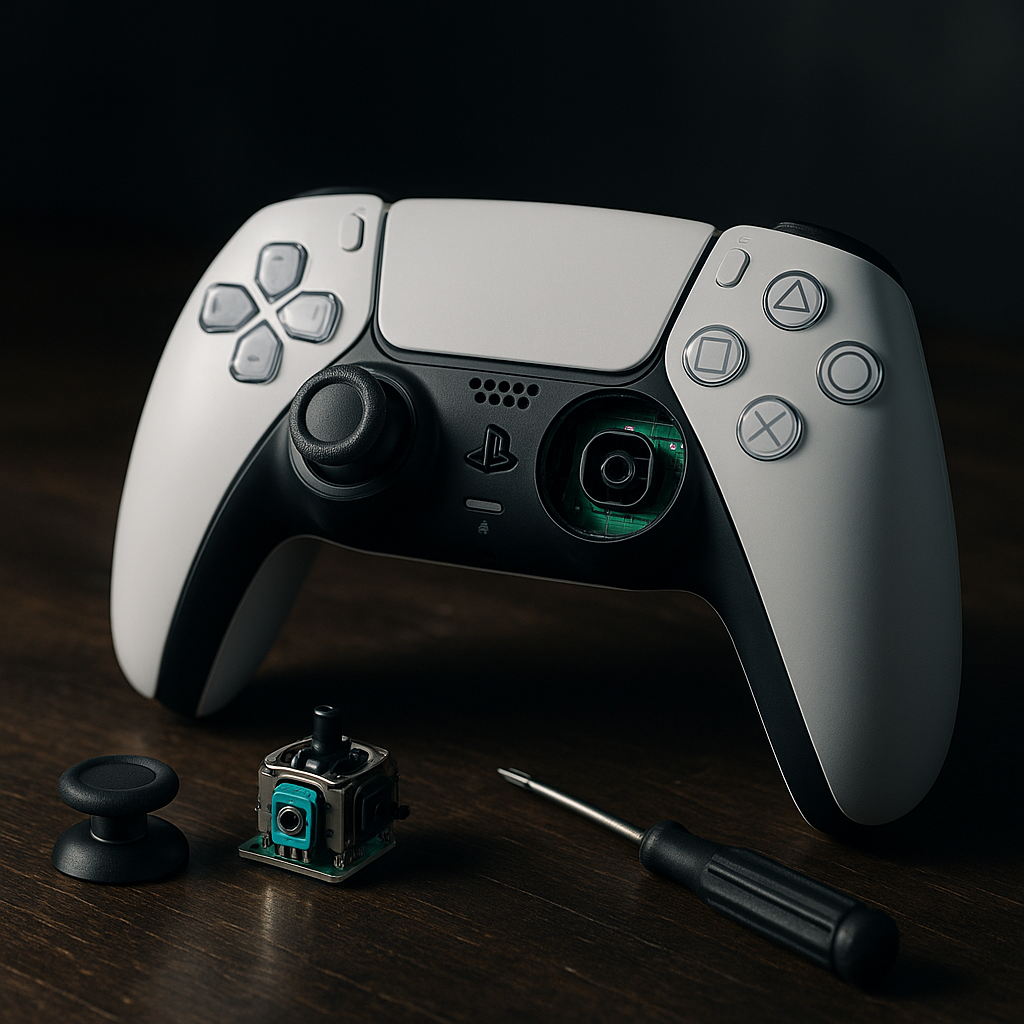
Stick drift can be a gamer's worst nightmare, screwing up your aim and making managing your character's movement a frustrating ordeal. It's that irritating phenomenon where the controller registers movement even when you're not touching the joystick. Despite being a concern, the good news is that it can be resolved without requiring immediate replacement of your controller.
Understanding the Causes of Stick Drift
- Controller Wear and Tear: Over time, regular use of your controller may lead to wear and tear on the joystick components. More details can be found in our comprehensive guide (link coming soon).
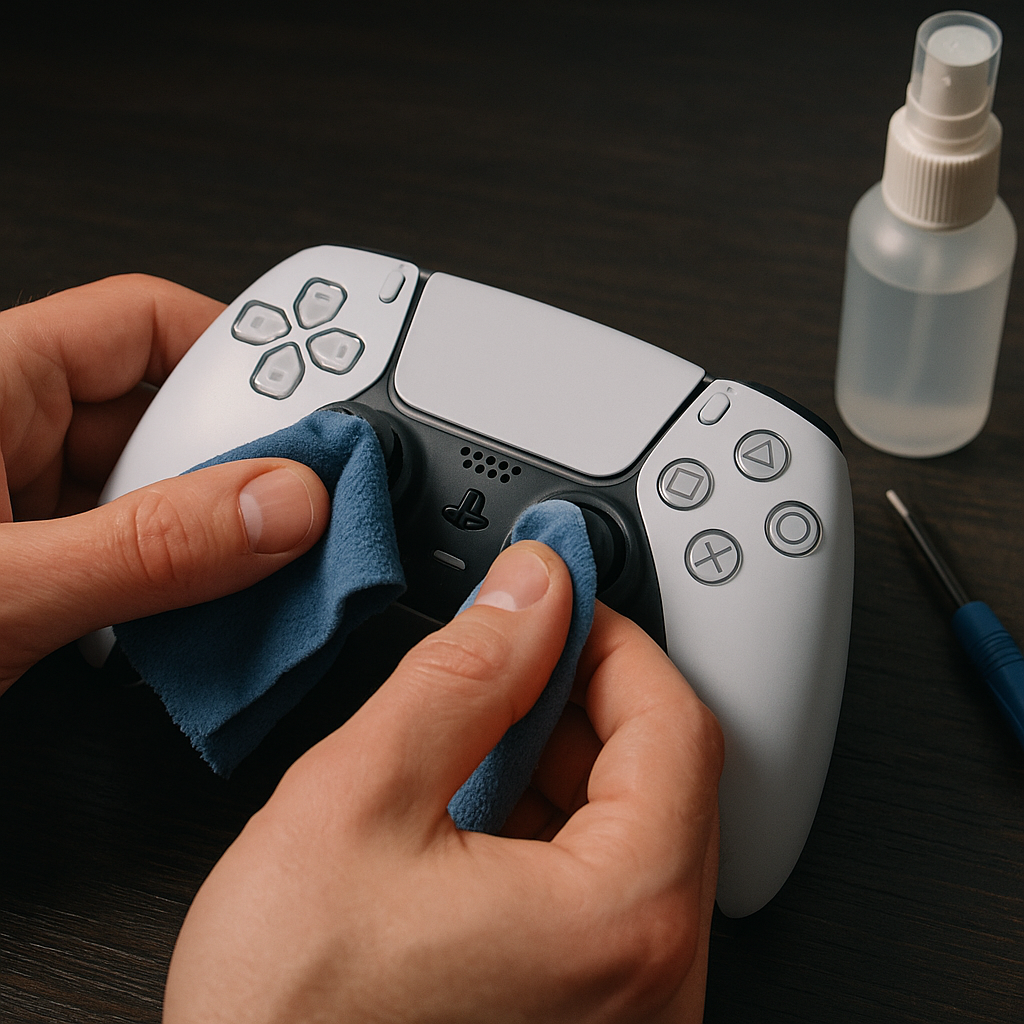
- Accumulation of Dirt and Debris: Dust, dirt, and even sweat can seep into the tiny spaces around the joystick, leading to drift. Our cleaning tips guide (link coming soon) will provide step-by-step instructions on keeping your controller pristine.
- Software Glitches: Occasionally, software issues can lead to drift problems, requiring a simple firmware update or recalibration found in our guide (link coming soon).
Prevention Tips for Maintaining Your DualSense Controller
While not always preventable, reducing the risk of stick drift is possible with the right care and handling. Implement these strategies to prolong the life of your controller:
- Regularly clean and maintain your controller using our maintenance and care guide (link coming soon).
- Store your controller in a safe, dry place away from dust and other potential contaminants.
- Avoid unnecessary strain on the joysticks by handling them with care during play.
Step-by-Step Fixes for DualSense Stick Drift
If you're experiencing stick drift, don't panic. Several solutions range from very simple to slightly advanced efforts. Here’s a quick overview:
- Recalibration: Often, a simple recalibration of your DualSense controller can solve drift problems. Our recalibration tutorial (link coming soon) will guide you through the process.
- Firmware Updates: Ensuring your controller's firmware is up-to-date can often fix drift issues. Check out our firmware update guide (link coming soon) for help.
- Deep Cleaning: For more persistent issues, deep cleaning the joystick might be necessary. Learn how to safely disassemble and clean your controller in our detailed cleaning guide (link coming soon).
- Contact Sony Support: If all else fails, contacting Sony support for repairs or replacements might be the best course of action.
Conclusion
Stick drift in DualSense controllers is a common issue among PS5 users but is both preventable and fixable with a little knowledge and care. Whether through regular maintenance, recalibration, or cleaning, there are plenty of avenues to explore when confronting this issue. Stay tuned for our detailed, step-by-step guides on each method mentioned above, and ensure your gaming remains smooth and uninterrupted.
Frequently Asked Questions
Stick drift is typically caused by wear and tear on the joystick components, dust and dirt accumulation, or software glitches.
Regular cleaning, correct storage, and careful handling of the joysticks can help prevent stick drift in your DualSense controller.
Yes, updating your controller’s firmware can sometimes resolve stick drift issues caused by software glitches.
Cleaning a DualSense controller requires careful handling but can help fix or prevent stick drift. Our detailed cleaning guide will provide easy-to-follow steps.
If DIY solutions fail or you’re uncomfortable attempting repairs, contacting Sony for support or potential replacement may be the best option.