PLAY
PLAYThe Complete Guide to Fixing Xbox Controller Power Issues with New Batteries
By Playloot Team · Sep 08, 2026
The Complete Guide to Fixing Xbox Controller Power Issues with New Batteries
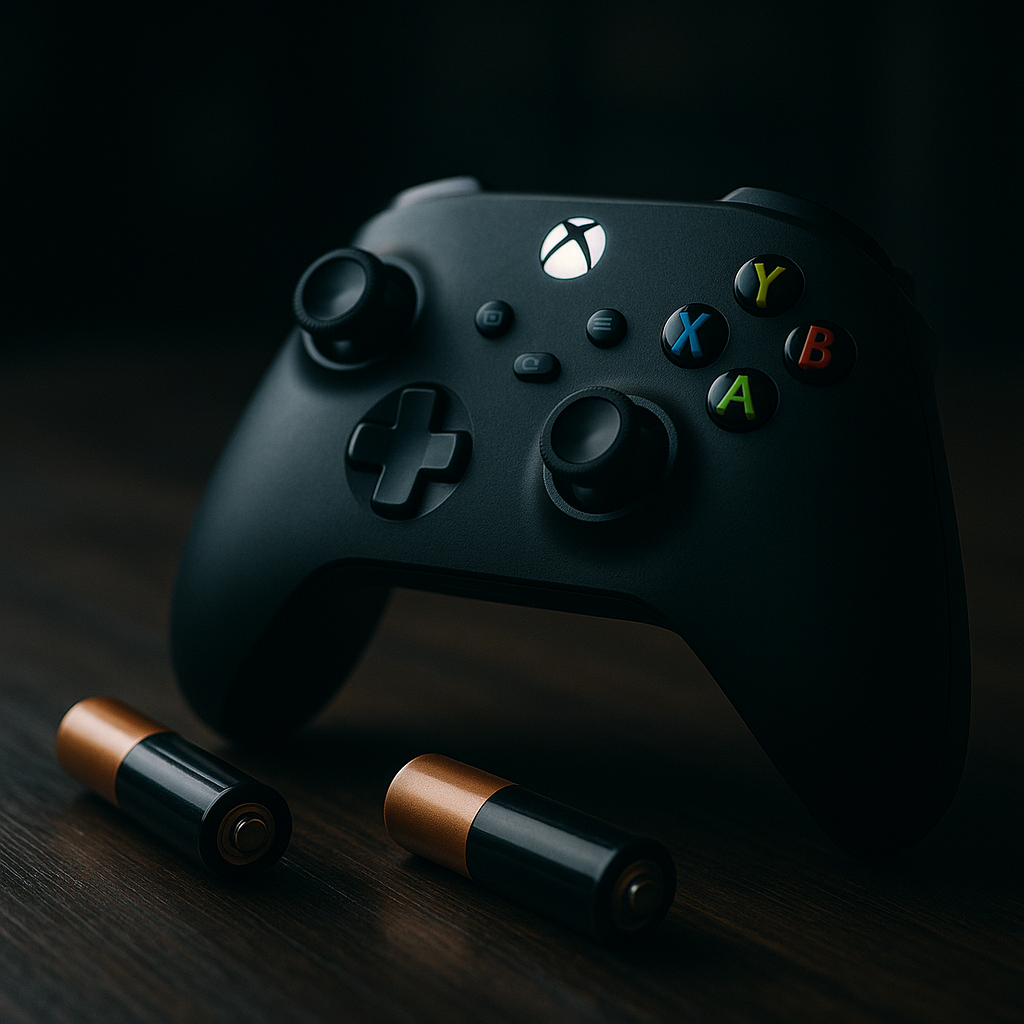
Are you experiencing power issues with your Xbox controller even after replacing the batteries? If so, you're in the right place. Welcome to our comprehensive guide designed to help you troubleshoot and resolve all Xbox controller power-related issues efficiently. In this ultimate resource, we'll delve into the common power problems users face, the best practices for installing new batteries, and effective debugging strategies to ensure you can get back to gaming seamlessly.
Table of Contents
It's not uncommon to encounter power issues with Xbox controllers, even after inserting freshly charged or brand new batteries. From incorrect battery placement to possible connectivity glitches, a range of factors could be at play. This pillar page will not only guide you through the typical pitfalls and quick fixes but also provide links to our detailed guides on specific sub-topics. Whether you're dealing with intermittent power-offs, unexplained joystick behaviors, or complete power failure, you'll find targeted solutions within this comprehensive guide.
Overview
This guide is structured to lead you through understanding the power problem and equipping you with actionable solutions. Here's what we will cover:
1. Understanding Xbox Controller Power Dynamics
Before diving into fixes, it's essential to understand how your Xbox controller draws power from batteries. We'll explore battery types compatible with Xbox controllers and how they impact performance.
2. Common Power Issues with Xbox Controllers
We'll outline the most frequently reported power issues, including inconsistent response times, sudden shutdowns, and failure to power on. Recognizing these problems is the first step in resolving them.
3. Step-by-Step Guide to Replacing Batteries Correctly
Learn how to properly replace batteries in your Xbox controller to avoid simple issues stemming from improper battery placement.
4. Troubleshooting Power Issues Post-Battery Replacement
This critical section offers troubleshooting tips if your controller fails to power on even after a battery replacement. We'll cover checking battery contacts, resetting the controller, and using alternative power sources.
5. Advanced Fixes for Persistent Power Problems
For those experiencing ongoing issues, this section delves into advanced troubleshooting methods and solutions. You will find guidance on firmware updates and hardware interventions.
6. When to Seek Professional Help
Not all issues are fixable at home; this section will help you identify when it's time to call for professional repair or replacement services.
Throughout this guide, you will also find placeholders for more detailed guides on specific topics, which can be easily accessed for in-depth instructions and solutions. Be sure to explore these links to enhance your troubleshooting strategies.
Frequently Asked Questions
This could be due to incorrect battery placement, faulty battery contacts, or a deeper hardware malfunction. Try reseating the batteries and cleaning the contact points.
Yes, expired or low-quality batteries might not provide sufficient power, causing intermittent connectivity and performance issues.
Long-lasting options include rechargeable NiMH batteries or high-quality alkaline AA batteries designed for electronic devices.
Look for any white residue or discoloration around the battery contacts; these are common signs of corrosion.
Yes, using rechargeable batteries is safe and environmentally friendly. Ensure they're compatible and properly charged.