PLAY
PLAYThe Ultimate Guide to Fixing Xbox Series X Stick Drift
By Playloot Team · Jul 27, 2026
The Ultimate Guide to Fixing Xbox Series X Stick Drift
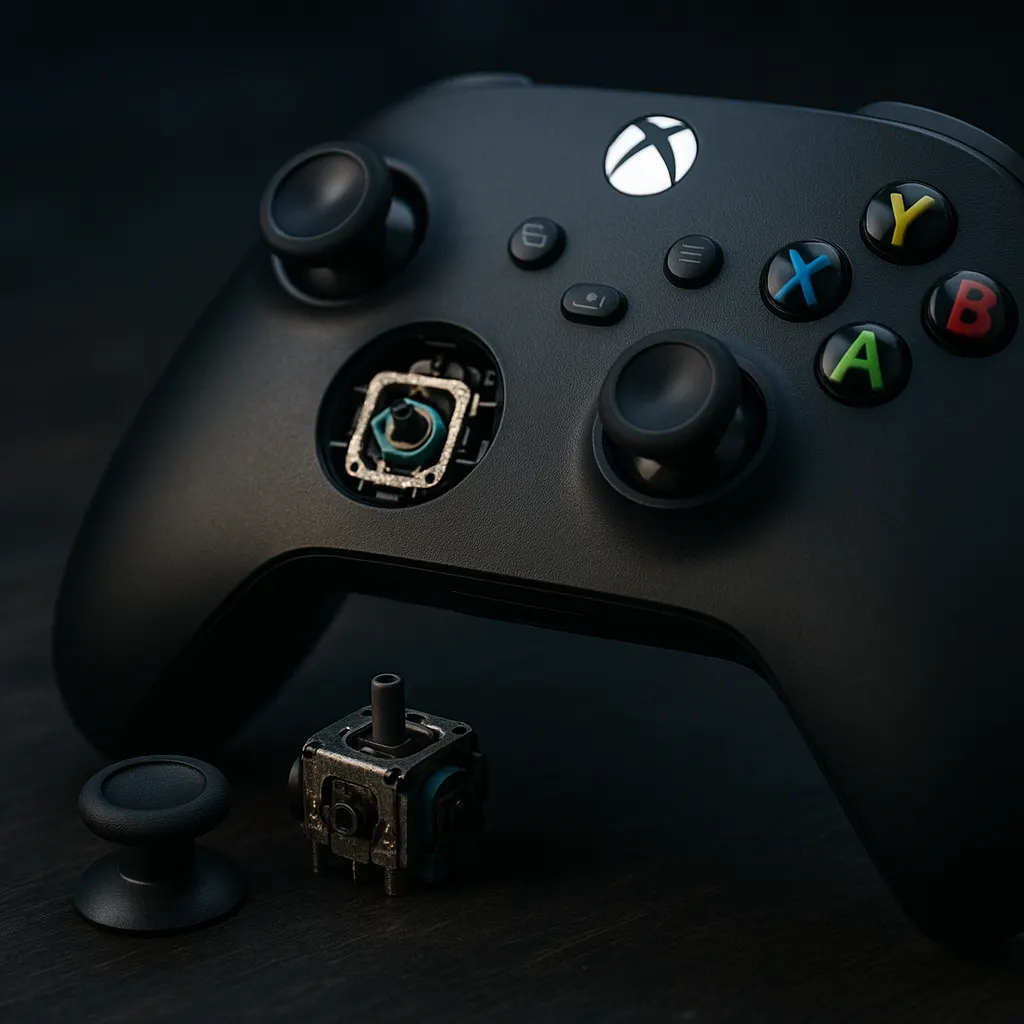
The Xbox Series X has undeniably reshaped the gaming landscape with its advanced hardware and immersive experiences. However, even the most robust systems are not immune to the age-old enemy of gamers – stick drift. This annoying phenomenon occurs when the thumbstick on your controller seems to have a mind of its own, causing unintended movements on-screen. Not only can this disrupt your gaming sessions, but it can also affect your in-game performance. In this ultimate guide, we will explore various strategies to diagnose and fix stick drift on your Xbox Series X controller, ensuring a smoother and more responsive gaming experience.
Table of Contents
We've organized this pillar page to provide a comprehensive understanding of stick drift and how you can remedy it. While this guide serves as an extensive overview, each section links to more detailed guides exclusively focused on specific solutions and troubleshooting methods. These linked resources delve deeper into each aspect, offering step-by-step instructions to help you effectively tackle stick drift issues.
Overview
Stick drift can be immensely frustrating, particularly in fast-paced games where precision is key. Understanding its causes and solutions is crucial for every Xbox Series X owner. Here's a broad outline of what you'll find in this guide:
- Understanding Stick Drift: Learn about what causes stick drift, with a focus on hardware and software factors. We discuss both physical wear and issues related to controller firmware.
- Basic Troubleshooting Steps: Before diving into complex solutions, start with simple troubleshooting methods. These are often overlooked but can easily resolve minor drift issues. (Link to detailed troubleshooting guide)
- Cleaning Your Controller: Dust and grime buildup can lead to stick drift. Cleaning your controller effectively can prevent and sometimes reverse drift. (Link to comprehensive cleaning guide)
- Firmware Updates: Outdated firmware can contribute to performance issues, including stick drift. Discover how to check for and install updates. (Link to firmware update guide)
- Calibration and Recalibration: Learn how to recalibrate your controller to resolve drift. This technique often solves calibration errors that lead to drift. (Link to calibration guide)
- Controller Repair and Replacement Options: In some cases, repair or replacement might be necessary. We guide you through options and considerations. (Link to repair and replacement options guide)
- Preventative Measures: Finally, learn how to prevent future occurrences of stick drift by adopting proper use and storage techniques. (Link to preventative measures guide)
Addressing stick drift can enhance your gaming experience significantly. With the right knowledge and techniques, you can enjoy your Xbox Series X without the annoyance of unintended on-screen movements. By exploring each section and utilizing the detailed guides linked, you'll be well-equipped to tackle stick drift like a pro.
Frequently Asked Questions
Stick drift occurs when your controller's thumbstick registers movement without any manual input. It can result from physical wear, dirt accumulation, or software issues.
Regular cleaning is recommended every few months to prevent stick drift, especially if you frequently use your controller or game in dusty environments.
While firmware updates may not directly fix physical issues, they can resolve bugs that might contribute to stick drift. Always ensure your controller's firmware is up to date.
If you're experienced with electronics, you might try simple repairs. However, for significant issues, it's advisable to seek professional repair services.
Stick drift issues may be covered under warranty depending on the warranty terms and the cause of the issue. Check with your warranty provider for specifics.