 PLAY
PLAYThe Ultimate Guide to Troubleshooting Xbox Series X Disc Reader Issues
By Playloot Team · Jun 20, 2026
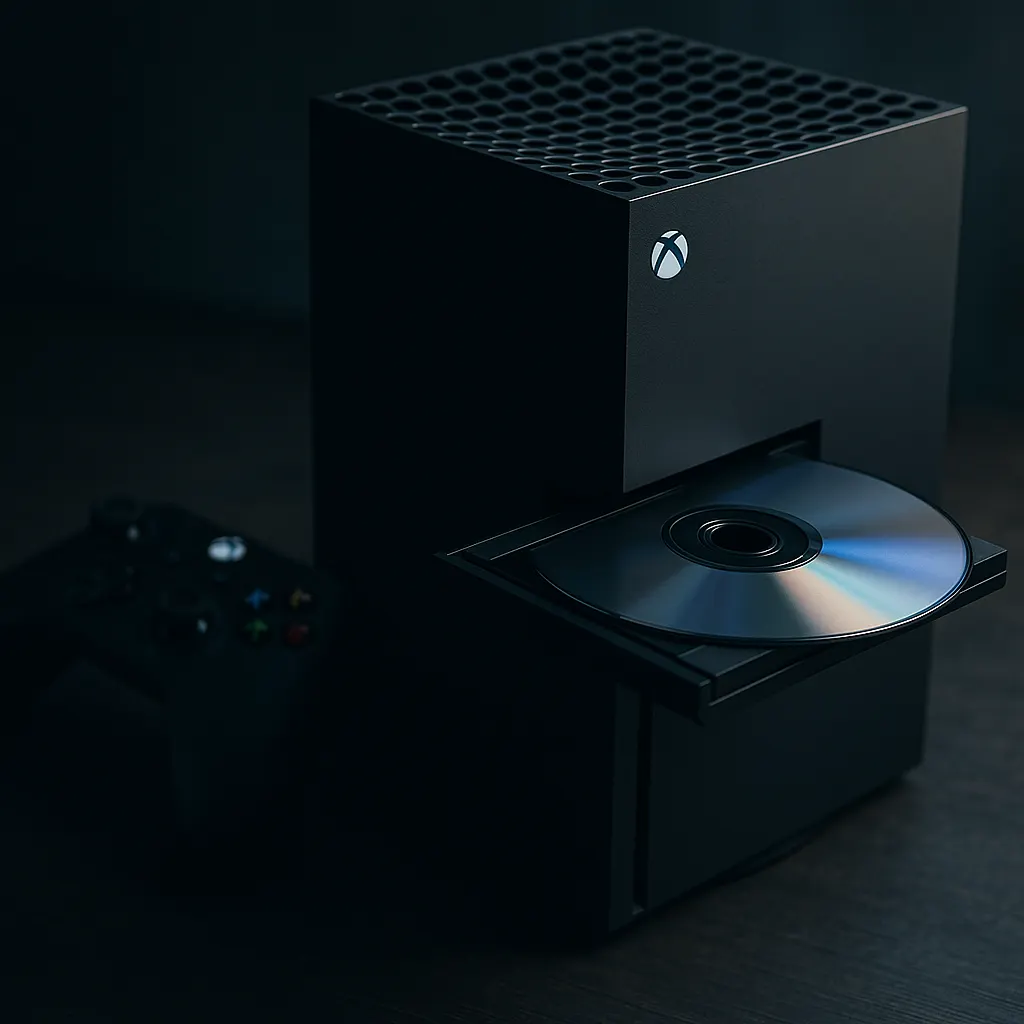
The Ultimate Guide to Troubleshooting Xbox Series X Disc Reader Issues
Welcome to your ultimate destination for understanding and resolving Xbox Series X disc reader issues. If you’ve ever found yourself frustrated while your console struggles to recognize game discs, you’re not alone. In this comprehensive guide, we delve into the common problems many Xbox users face with the disc reader and provide practical solutions to get you back to gaming seamlessly.
Table of Contents
The Xbox Series X, with its advanced hardware and software capabilities, promises a cutting-edge gaming experience. However, like any technology, it isn't immune to glitches. Disc reader problems are one of the most common issues reported by users, ranging from minor recognition errors to severe hardware malfunctions.
This guide is designed as a pillar page which means it's your central hub of information on this critical subject. We've laid out the pertinent topics you'll need to tackle the issue at its root. For those looking for more specific advice on particular problems, don’t worry, we have detailed guides forthcoming on each key sub-topic—linked conveniently within this page for when they become available.
Overview
Here's what you can expect from this ultimate guide:
- Understanding the Issue: A general look at how your Xbox's disc reader works and the common signs of a malfunctioning unit.
- Basic Troubleshooting Tips: Before you dig deep, a set of simple, yet effective first steps to diagnosing disc reading problems.
- Firmware and Software Solutions: Explore how updating your console or adjusting settings might resolve the issue.
- Physical and Hardware Checks: Guidance on inspecting your Xbox Series X's hardware for physical damage or misalignment issues.
- Professional Help and Repair Options: When to seek the help of a professional or contact Microsoft support for potential repairs.
Each section of this guide is valuable for gaining deeper insights into the potential causes of Xbox Series X disc reader issues and seeing how different troubleshooting steps can offer relief.
Understanding the Issue
The Xbox Series X relies on its sophisticated disc reader to load and play physical copies of games. Problems can surface as failure to read discs, inconsistent disc ejection, or ominous grinding noises, among others. This section captures the typical symptoms and underlying technology of the disc reader, preparing you to diagnose where your specific challenges might lie.
Basic Troubleshooting Tips
Often, a problem resolved is the result of a straightforward fix. Starting with ensuring the cleanliness of both the disc and internal reader can sometimes restore functionality. Rebooting the console or testing with different discs can also help isolate the problem. Await further breakdown of these preliminary steps when you look at our detailed guides [Insert link here].
Firmware and Software Solutions
Many issues stem from outdated firmware or software glitches. This section will guide you through updating your Xbox Series X to the latest version and modifying settings that might obstruct proper disc reading. For a guided walkthrough, check our detailed analysis [Insert link here].
Physical and Hardware Checks
If basic troubleshooting yields no result, more proactive physical examination might be necessary. Following safe procedures to visually inspect and listen for disc drive abnormalities could highlight problems such as alignment issues or damaged components. Look out for our focused instructional content [Insert link here].
Professional Help and Repair Options
Sometimes, the best route is to rely on professional support. Understanding when to contact Microsoft support or opt for authorized repairs can save you time and preserve your console’s warranty. Our recommendation guide on dealing with professional services will be available shortly [Insert link here].
This ultimate guide hopes to empower Xbox Series X users, equipping you with the knowledge to perform effective troubleshooting independently. While digital solutions often ease gaming challenges, knowing when to delve deeper or seek outside help is equally important.
Frequently Asked Questions
Your Xbox might not read discs due to dirty or damaged discs, outdated firmware, or potential hardware issues within the console itself. Ensure the disc is clean, and try updating your console.
Certainly, dirt or smudges on the disc can prevent proper reading. Carefully clean your discs with a microfiber cloth and check for scratches or physical damage.
Opening your Xbox can void the warranty and cause more damage. It's usually best left to professionals unless you are trained and experienced.
Repair times can vary but typically take a few weeks if sent to Microsoft. Check with local repair shops for potentially faster turnaround.
Yes, if your Xbox Series X is still under warranty, accidental disc drive malfunctions should be covered. You should contact Microsoft support for warranty services.