 PLAY
PLAYTop Reasons Why Your Garmin Battery Drains Fast and How to Fix Them
By Playloot Team · Aug 10, 2026
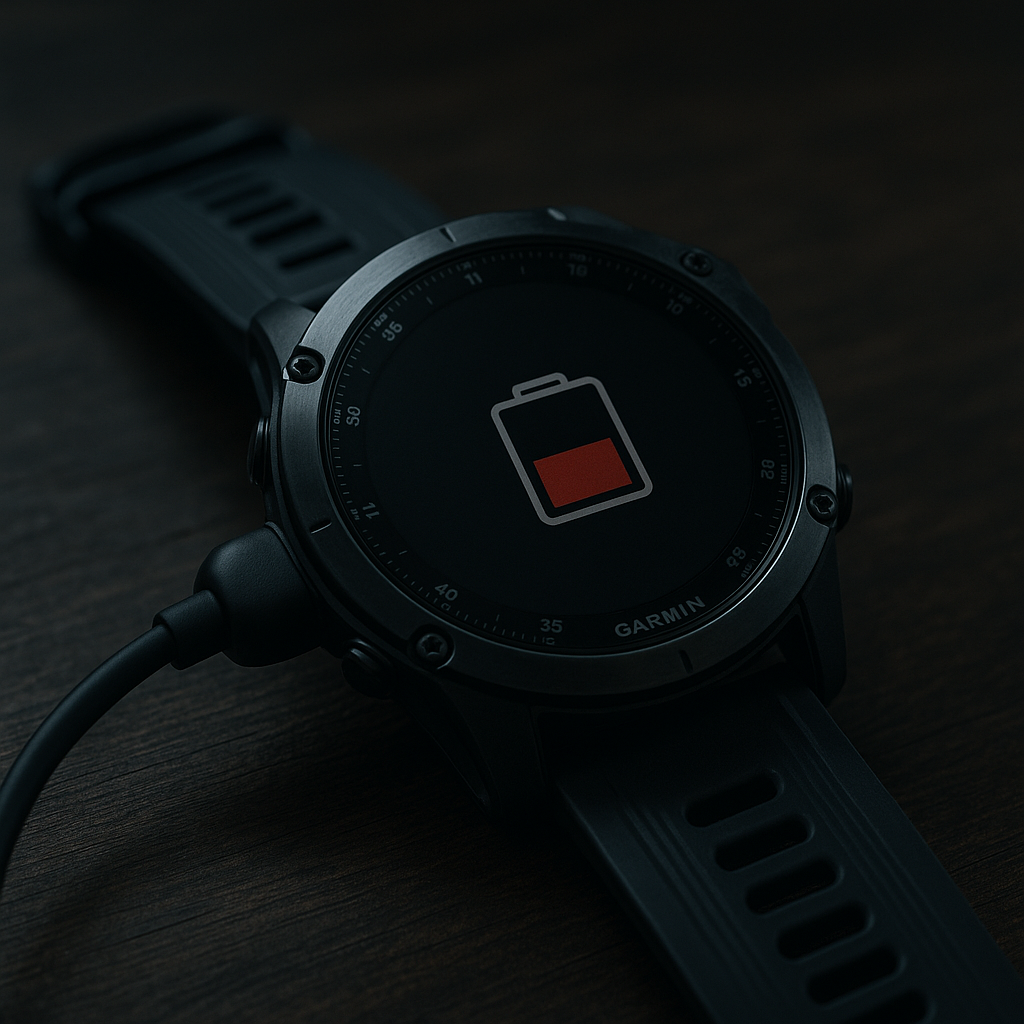
Top Reasons Why Your Garmin Battery Drains Fast and How to Fix Them
If you're experiencing issues with your Garmin device's battery draining faster than expected, you're not alone. This frustration can lead to missed tracking data and disrupt your workouts or adventures. Fear not; this comprehensive guide will help you understand why this happens and how to address the problem effectively. If you're just beginning your investigation, make sure to check out our Back to the Ultimate Guide: Ultimate Guide to Solving Garmin Battery Draining Issues for a deep dive into various battery-related problems.
Table of Contents
1. GPS Overuse
One of the main culprits of a fast-draining battery in Garmin devices is constant GPS usage. GPS can significantly deplete your battery because it requires continuous communication with satellites to track your location accurately. To mitigate this, consider turning off the GPS when it isn't necessary, or use it selectively during specific parts of your activity.
2. High Screen Brightness
Keeping your device screen too bright can also cause the battery to deplete quickly. Just like with a smartphone, the brighter the screen, the more energy it consumes. Adjust the brightness level by going to the settings of your Garmin device and opting for a lower brightness level to save on power consumption without compromising visibility.
3. Unnecessary Notifications
Garmin devices can synchronize with your smartphone to receive notifications such as calls, messages, and calendar alerts. While this feature is convenient, receiving frequent notifications can drain your battery more quickly. Consider customizing your notification settings to limit the alerts to those you genuinely need.
4. Old Software or Firmware
Using outdated software or firmware could hinder your device's efficiency. Garmin periodically releases updates that can optimize your device's performance, including its battery consumption. Ensure that your device is running the latest software version by checking for updates through the Garmin Connect app or the Garmin Express software on a computer.
5. Background Activity
Background activities such as syncing data, updating GPS locations, or running apps can power down your battery life without you even realizing it. Manage these processes by checking which services are actively running in the background and disabling them when they are unnecessary. Use your device’s settings to track and manage these tasks for optimized battery use.
Conclusion
The battery life of your Garmin device is crucial for ensuring that it operates efficiently and serves you well during your activities. By identifying and addressing the root cause of fast battery drainage, you can significantly enhance its performance. Keep your device updated, manage features smartly, and enjoy longer, uninterrupted usage.
Frequently Asked Questions
Overnight drainage can occur due to background apps or services running. Ensure you close unnecessary apps and use power-saving modes during inactive periods.
To extend battery life, reduce screen brightness, limit GPS usage, turn off Wi-Fi/Bluetooth when not needed, and update to the latest firmware.
If the battery doesn’t hold a charge, it may need a replacement, especially if it's a few years old, or there might be an issue that requires technical support.
Yes, external battery packs can provide additional power, and protective cases with built-in batteries can extend usage time.
Yes, extreme temperatures, both hot and cold, can negatively impact battery performance. Try to keep your device within the recommended temperature range for optimal battery life.