 PLAY
PLAYTop Reasons Your Garmin Battery Drains Quickly and How to Fix It
By Playloot Team · Aug 10, 2026
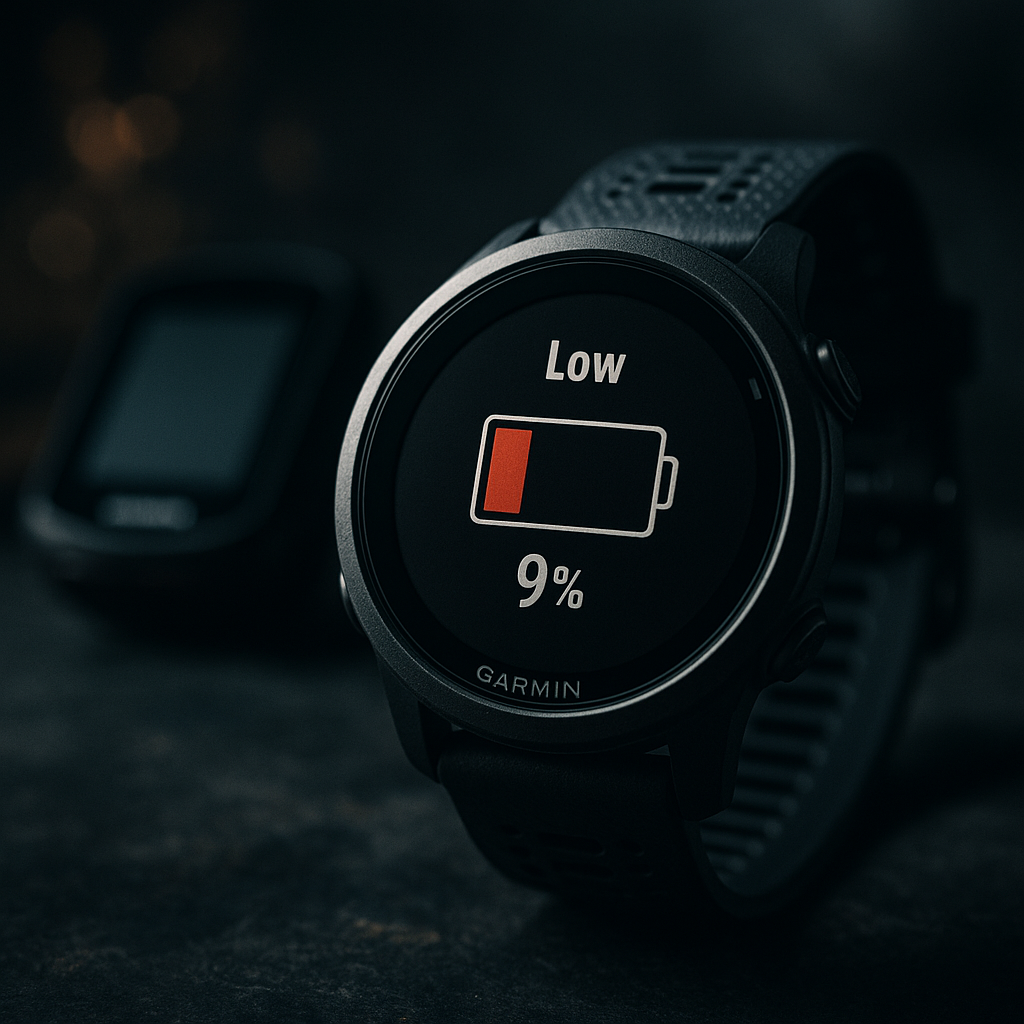
Top Reasons Your Garmin Battery Drains Quickly and How to Fix It
Experiencing rapid battery drain on your Garmin device can be frustrating, especially when you rely on it for fitness tracking, navigation, or outdoor adventures. This blog post explores the key reasons behind quick battery exhaustion and provides solutions to help you extend your device's battery life. For a comprehensive understanding and more in-depth solutions, please check out our main guide: Back to the Ultimate Guide: The Ultimate Guide to Resolving Garmin Battery Draining Issues.
Table of Contents
1. Always-on Display
One of the primary culprits for battery drain is the always-on display feature. Many Garmin devices offer this feature to provide constant visibility of critical information, but it significantly impacts battery longevity.
Fix: Disable the always-on display option by navigating to the settings menu on your device. Instead, use the raise-to-wake option that activates the screen when you lift your wrist.
2. High Brightness Levels
Another factor that can quickly deplete your Garmin's battery is maintaining the screen brightness at a high level. Though it improves visibility, it requires more power to maintain.
Fix: Adjust the brightness to a moderate or automatic level to reduce power usage while still having adequate screen visibility.
3. Frequent GPS Use
GPS functionality is essential for tracking your workouts or providing accurate navigation. However, continuous use can be taxing on the battery.
Fix: Utilize GPS sparingly. For fitness tracking, consider using Connected GPS via your smartphone, which uses your phone's GPS capabilities.
4. Enabled Sensors and Features
Garmin devices come equipped with numerous sensors like heart rate monitors, sleep trackers, and altimeters. While these features offer valuable insights, leaving them all enabled can quickly drain your battery.
Fix: Disable any sensors or features when they are not in use. Customizing your device's settings based on your immediate needs can significantly save battery life.
5. Outdated Firmware
Running an outdated version of your device’s firmware might not only impair functionality but can also cause inefficiencies in battery consumption.
Fix: Regularly check for firmware updates in the Garmin Connect app or on the Garmin website to ensure optimal performance and power efficiency.
Frequently Asked Questions
Keeping Bluetooth on for extended periods can cause battery drain. Turn it off when not needed or use UltraTrac to reduce battery usage during activities.
It's not always necessary to fully charge your device. Modern batteries function well with partial charges, though occasional full cycles can help maintain accuracy in battery percentage readings.
A factory reset can resolve software glitches that may lead to battery issues, though it should be considered a last resort after other troubleshooting methods.
When storing, ensure the device is turned off and charged to around 50%. Keep it in a cool, dry place to preserve battery health.
Yes, third-party apps can cause battery drain, especially if they run frequently or continue to access GPS data. Monitor app usage and uninstall any that are unnecessary.