 PLAY
PLAYUnderstanding the Blue Light on Your PS4 Controller: What It Means
By Playloot Team · Jun 06, 2026
Understanding the Blue Light on Your PS4 Controller: What It Means
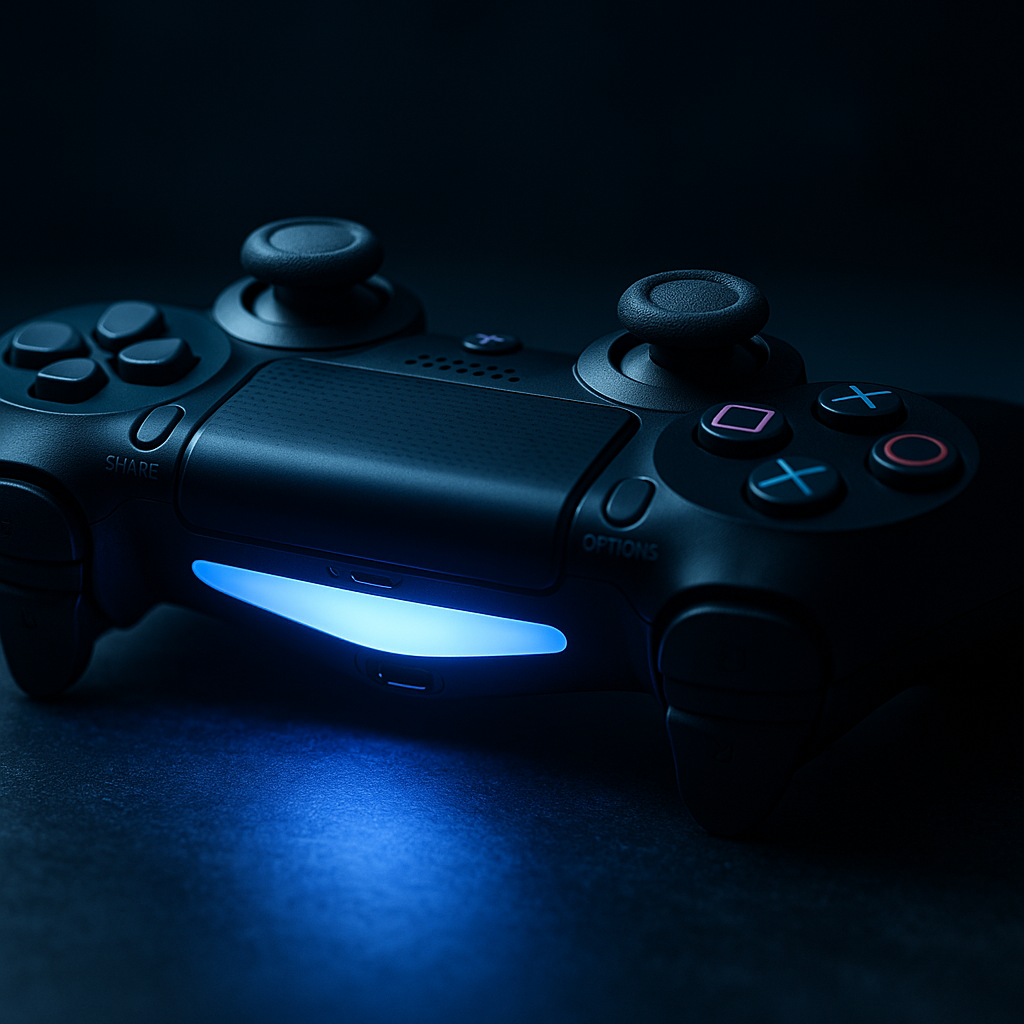
The PlayStation 4 controller, known as the DualShock 4, is famous not only for its ergonomic design but also for its iconic light bar, which can change colors to indicate different states. Players may often notice the light turning blue, leading to curiosity or concern. In this guide, we delve into what the blue light signifies and what steps, if any, you need to take when you see it.
Table of Contents
Back to the Ultimate Guide: The Ultimate Guide to Troubleshooting Your Flashing Blue PS4 Controller
The blue light on your PS4 controller can mean a few different things, depending on the context and situation. The most common scenario is that it indicates the controller is attempting to pair with the PlayStation 4 console. This occurs typically when you press the PS button to turn on the controller and the console.
Besides pairing, the blue light could signal other states. For instance, it may indicate that the controller is the primary player indicator. When gaming, especially in a multiplayer scenario, the blue light could signify Player 1. Understanding these various signals can help you diagnose issues without unnecessary panic.
However, if your PS4 controller is flashing blue and not connecting, it may indicate a connection problem or require a firmware update. Restarting the console or updating system software can often resolve these types of issues. Additionally, performing a reset on your controller by finding the small reset button on the back and pressing it with a pin can often fix persistent connection problems.
In certain unlucky scenarios, the persistent blue light can indicate hardware failure. In such cases, your controller may need a more expert analysis or repair, particularly if typical troubleshooting steps do not resolve the issue. Regular maintenance and updates can help mitigate this risk.
While it can be a sign that something is awry, often the blue light is simply part of the normal functioning of your console and its controllers. For a deeper dive into potential issues and comprehensive fixes, be sure to refer to our in-depth guide linked above.
Frequently Asked Questions
A solid blue light typically indicates that the controller is paired and connected as Player 1. It is part of the normal operation when you first turn on the controller and connect it to the PS4.
If your controller is flashing blue and not connecting, there may be a problem with the Bluetooth connection, or the controller requires a firmware update. Try resetting the controller and pairing it again with the console.
No, a low battery is usually indicated by the light turning yellow or orange. The blue light is more about connection status rather than battery level.
Locate the small reset button on the back of the controller, near the L2 shoulder button. Use a small tool, like a paperclip, to press the button for a few seconds, then try pairing it with the console again.
If resetting and re-pairing doesn't work, there might be a hardware issue with the controller. Consider contacting Sony support or getting a professional repair assessment.