 PLAY
PLAYHow to Clean Your PS5 Controller to Fix Drift
By Playloot Team · Feb 27, 2026
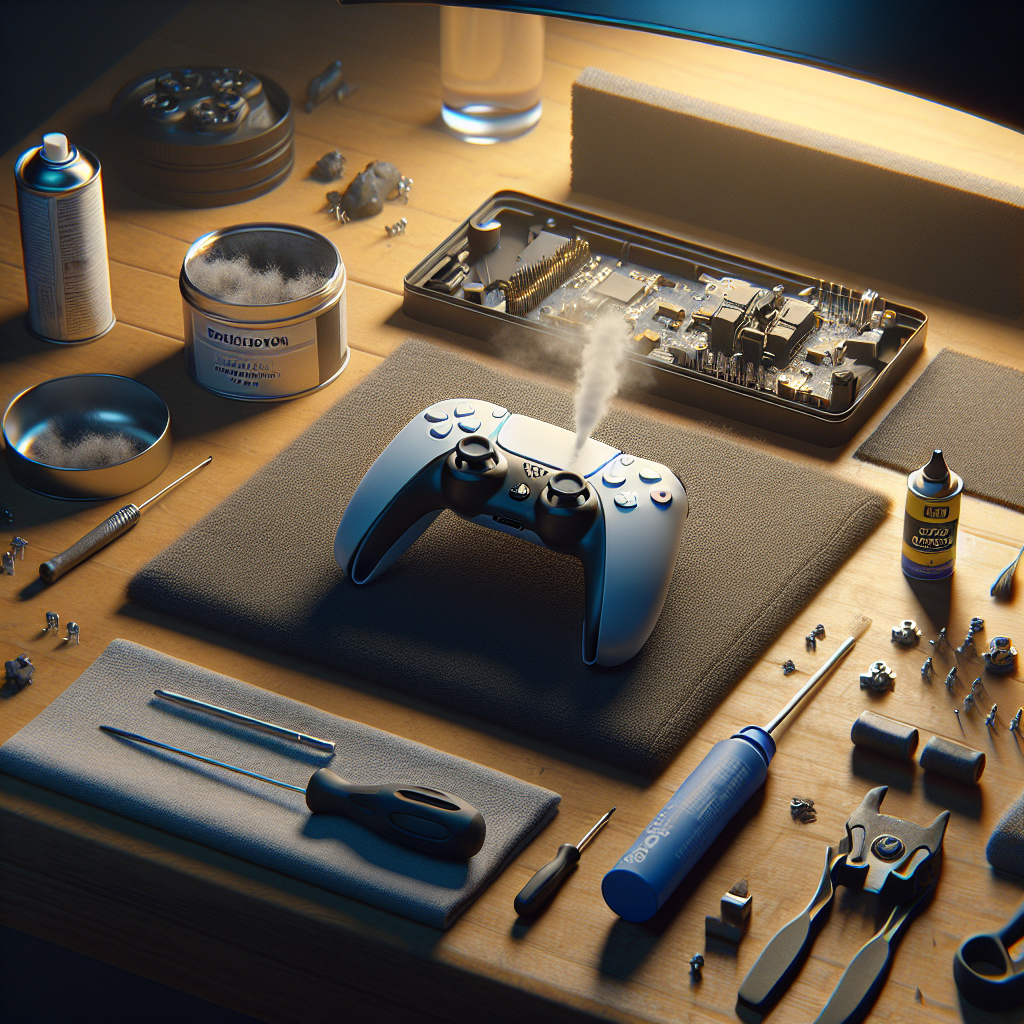
Hey, fellow gamers! There’s nothing more annoying than dealing with drift on your PS5 controller, right? You're lining up that perfect headshot, and suddenly your crosshair is wandering off like it has a mind of its own. Fear not, because today we bring you the ultimate, fun, and gamer-friendly guide to cleaning your PS5 controller to banish controller drift and get you back to the top of your game.
Table of Contents
What is Controller Drift Anyway?
If you’ve noticed some unwanted movement in your game even when you aren’t touching the thumbstick, then you’ve experienced the infamous controller drift. This is mainly caused by dust, grime, or wear and tear making friends with your controller’s innards. But don't worry! Cleaning might just be the fix you need before considering a new purchase.
Tools You’ll Need
First things first, gathering your tools is akin to prepping your inventory before a big boss fight. Here’s what you’ll need to clean your PS5 controller:
- A soft, lint-free cloth
- Rubbing alcohol (preferably isopropyl alcohol)
- Cotton swabs
- A can of compressed air
- A small brush (like an unused toothbrush)
The Step-by-Step Cleaning Process
Before diving into the fray, make sure your PS5 controller is fully turned off. You wouldn’t want your avatar jumping off buildings on your behalf while you clean, would you?
- Step 1: Use the compressed air to blow out any debris or loose particles around the thumbsticks. Give it a thorough stroll, aiming towards the base of each stick.
- Step 2: Moisten a cotton swab with a bit of rubbing alcohol—careful! You want it damp, not dripping. Carefully clean around the base of each thumbstick using gentle motions.
- Step 3: Gently scrub around the thumbstick using the small brush to loosen and remove any stubborn grime.
- Step 4: Use the soft lint-free cloth to wipe down the entire controller, and remember to pay special attention to the area surrounding the thumbsticks. You want a spotless victory!
Regular Maintenance Tips
Like maintaining a well-oiled strategy in your favorite RPG, keeping your controller clean is crucial for longevity. Here are some tips to keep drift at bay:
- Try to give your controller a wipe-down with a dry cloth after intense gaming sessions.
- Store it in a clean, dust-free environment when it’s off-duty.
- Stay away from snacks while gaming – greasy thumbs are a controller’s nemesis.
And that's it! Your pathway to a drift-free gaming experience!
Conclusion
So there you have it, PS5 warriors! With these tips and tools, you've unlocked the secret skills to fight off drift before it ruins your gameplay. Remember, a clean controller is a happy controller. Whether you're battling online or setting off on single-player adventures, keeping your controller drift-free will ensure smooth and precise movements every time. Now, grab that clean controller and dive back into the game. You've got records to break and levels to conquer!