 PLAY
PLAYHow to Evaluate the Condition of Used PS4/PS5 Consoles Before Purchase
By Playloot Team · May 16, 2026
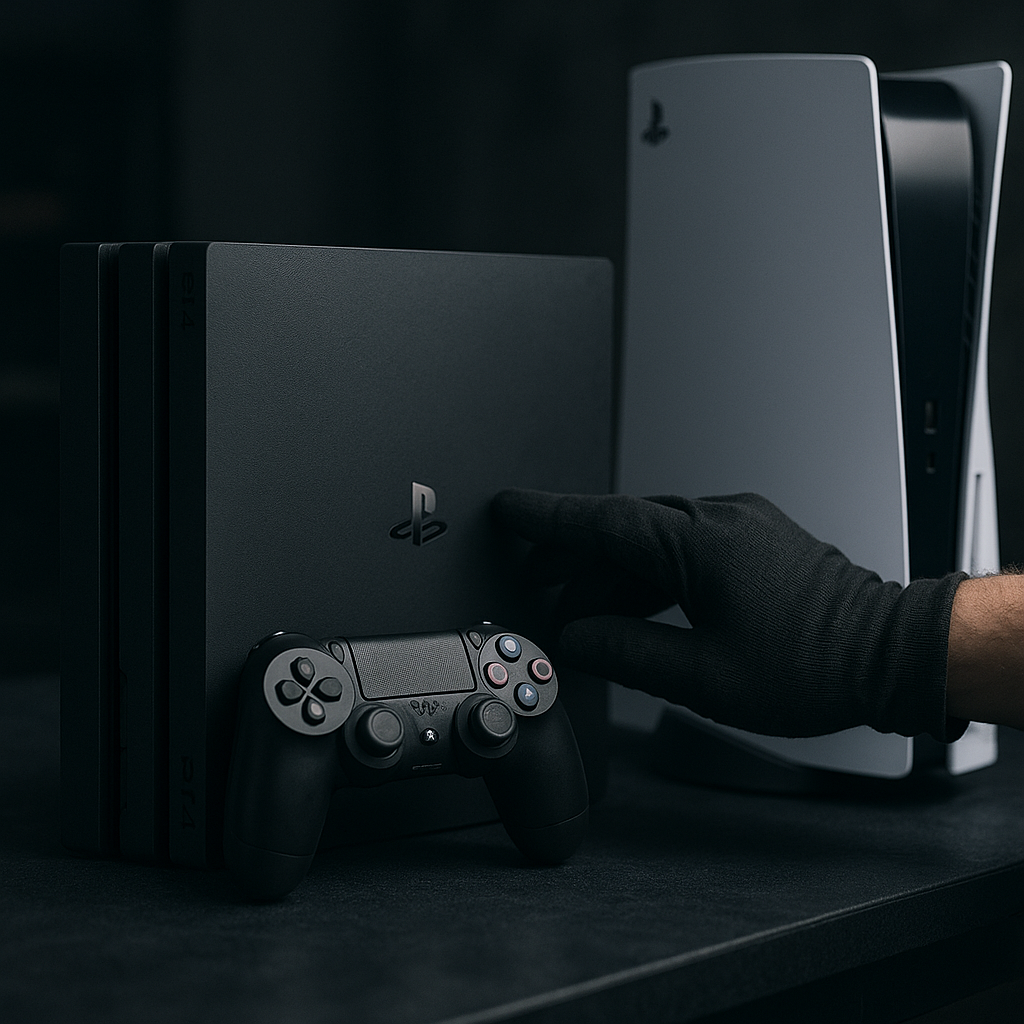
How to Evaluate the Condition of Used PS4/PS5 Consoles Before Purchase
If you're in the market for a used PS4 or PS5, you’re likely driven by the desire to snag a great deal. However, purchasing a used console requires careful evaluation to ensure you receive value for your money. Before diving into the specifics of what to look for, make sure to check out our comprehensive guide that covers the broader aspects of buying used gaming consoles: Back to the Ultimate Guide: The Ultimate Guide to Saving on Gaming: Buying Used PS4/PS5 Consoles and Games in India.
Table of Contents
Physical Inspection: What to Check
When evaluating a used console, begin with a thorough physical inspection. Look for any obvious damage, such as cracks or deep scratches on the casing, which can indicate a history of rough handling. Check all ports for dust buildup or bent pins, especially HDMI and USB ports. These are crucial for connectivity and any physical damage can compromise the console's performance or longevity.
Performance Test: Ensure Everything Works
Once you're satisfied with the physical condition, it's time to test the console's performance. Ask the seller to boot up the console and navigate through menus to assess responsiveness. Check if the console reads discs correctly (for disc versions), and inspect both the sound output and video quality for any signs of distortion or lag. Moreover, confirm that all included controllers function properly and have responsive buttons and joysticks.
Software Check: Keep an Eye on System Software
Ensure the console has the latest system software updates installed. While this might not seem critical, an outdated system can result in compatibility issues with newer games and cause security vulnerabilities. Verify the account status on the console. A factory reset should have the console in a state similar to a new device, ready for a fresh setup.
Warranty and Receipt: An Additional Safety Net
If available, ask for any original receipts, warranty documents, or proof of purchase from the seller. While the warranty may be expired, possessing these documents can help in future resale or offer some peace of mind about the console's origin. Additionally, check the serial number against the manufacturer's database to ensure the console is not reported stolen or under warranty.
Price Comparison: What’s the Right Price?
Before finalizing your purchase, conduct a price comparison with other used consoles available in the marketplace. Consider factors like the console's condition, included accessories, and any games bundled in the sale. Bear in mind that while the latest models often command higher prices, well-maintained older consoles can also provide excellent value, especially if you focus on backward-compatible titles.
Negotiation: How to Get the Best Deal
Don't hesitate to negotiate the price, especially if you spot minor imperfections or if the console lacks additional accessories like controllers or cables. Point out any flaws or potential future expenses to justify a lower price. Remember, sellers are often willing to drop the price a little, especially if they're eager to make a sale.
Frequently Asked Questions
What should I do if a console has been repaired?
Evaluate the quality of the repair. Professionally repaired consoles can be as reliable as new, provided genuine parts were used. Ask for details on the repair and any related paperwork as extra validation. Factor this into your price negotiation.
Is it safe to buy a console online without physical inspection?
While purchasing online can be convenient, it poses risks without a physical inspection. Ensure the platform offers buyer protection, and always check the seller’s ratings and reviews. When possible, request detailed photos and videos of the working console.
Can a used console’s remaining warranty be transferred?
Warranty transfer policies vary by manufacturer. Generally, if a console is still under warranty, the policy may be transferred if you have the original purchase receipt and warranty documentation. Verify through the manufacturer’s support for precise information.