 PLAY
Best Action Camera Settings for Instagram Reels and YouTube Shorts (GoPro, DJI, Insta360)
By Playloot Team · Nov 23, 2026
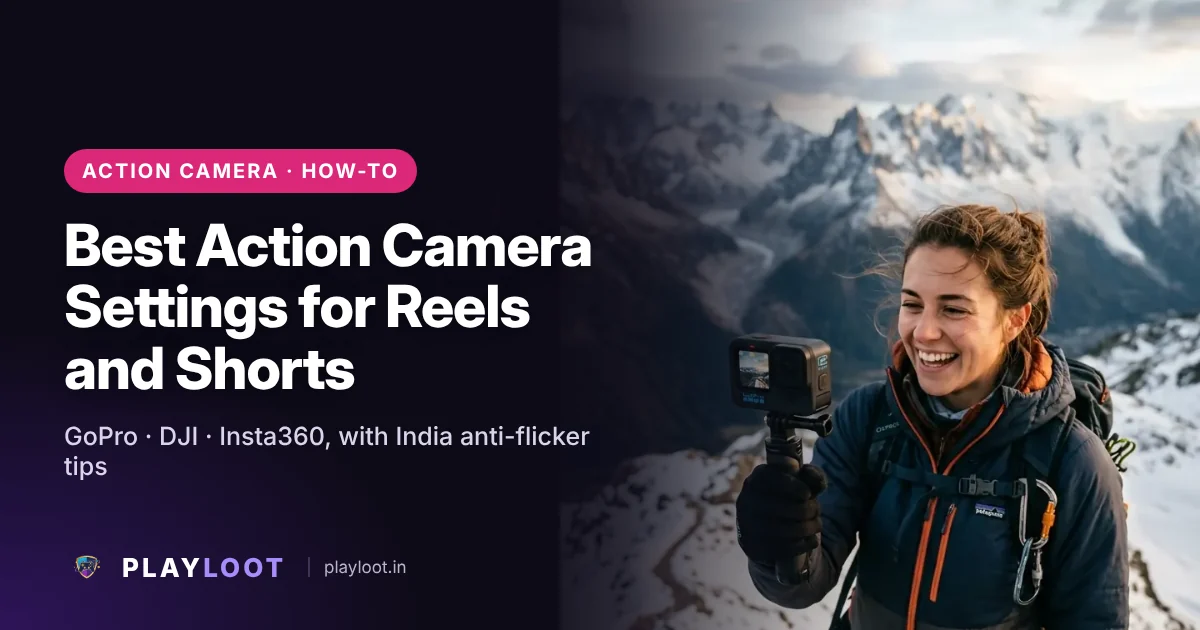
Most action camera footage today ends up as a vertical Instagram Reel or YouTube Short, yet most cameras ship with settings made for horizontal YouTube videos. A few changes give you sharper, smoother and more eye-catching vertical clips straight out of the camera. Here are the settings that work best, with tips specific to shooting in India.
Table of Contents
- 1. Shoot for Vertical From the Start
- 2. Resolution and Frame Rate
- 3. Set Anti-Flicker to 50 Hz (Important in India)
- 4. Colour: Vibrant or Natural, Not Log (Unless You Edit)
- 5. Stabilisation and Horizon Lock
- 6. Exposure and Sharpness
- 7. Audio That Does Not Ruin the Clip
- 8. Make the First Second Count
- Quick Settings Cheat Sheet
- Frequently Asked Questions
1. Shoot for Vertical From the Start
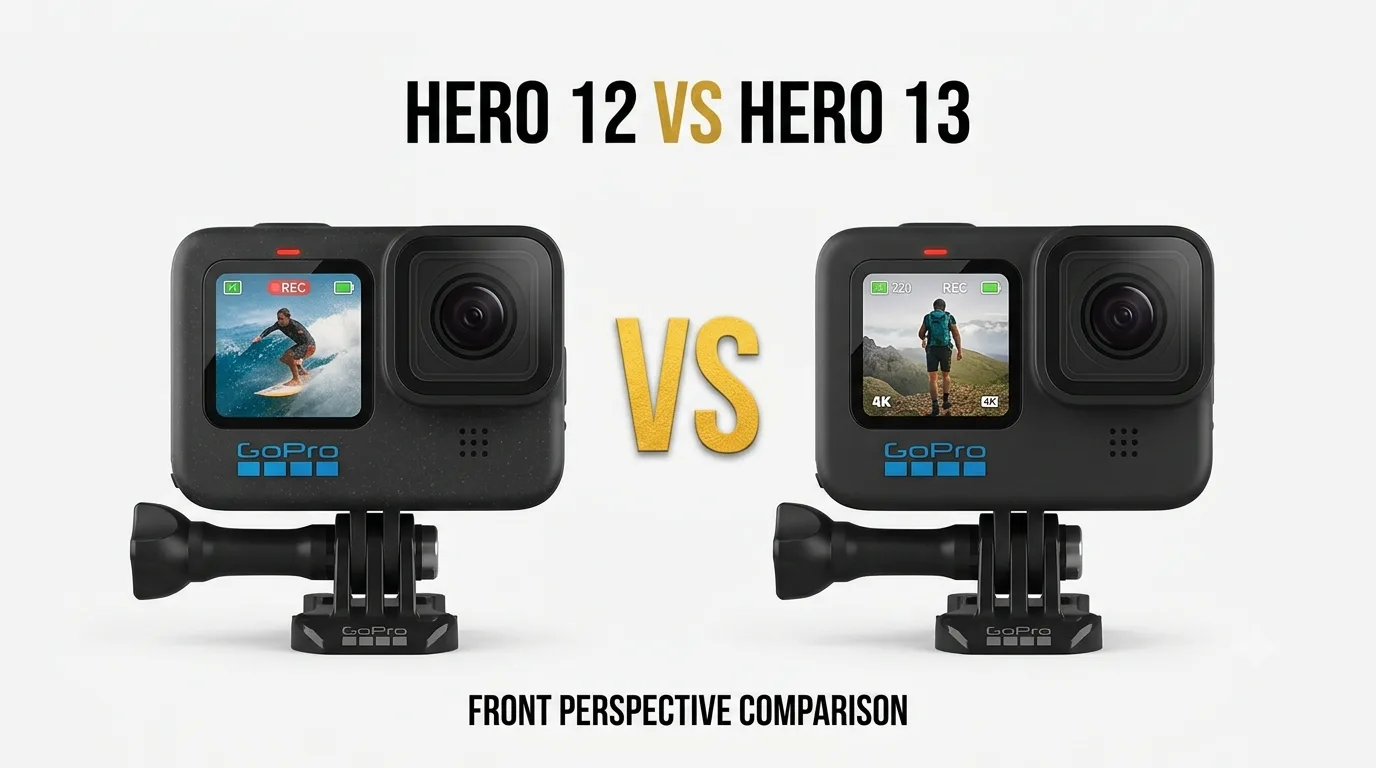
- GoPro HERO12 and HERO13 Black: use the 8:7 aspect ratio. It captures a tall, almost square frame, so you can crop a full-quality 9:16 vertical clip later in the GoPro Quik app, and still have a horizontal version.
- DJI Osmo Action 4: use the 4:3 ratio for cropping room, or mount the camera sideways with the magnetic quick-release for true vertical shooting.
- Insta360 X3: shoot in 360° and reframe to 9:16 in the Insta360 app. You can choose the angle after the ride.
2. Resolution and Frame Rate
- 4K at 50 fps is the sweet spot for Reels: sharp enough to crop and smooth enough for action.
- 4K at 100 or 120 fps for slow-motion moments like jumps, splashes and bike leans.
- 2.7K or 1080p when you need longer battery life or smaller files.
3. Set Anti-Flicker to 50 Hz (Important in India)
India's electricity runs at 50 Hz. Indoors, under tube lights and many LED lights, shooting at 30 or 60 fps can make the picture flicker or show moving bands. Set your camera's anti-flicker to 50 Hz (sometimes called PAL) and use 25, 50 or 100 fps for indoor shots. Outdoors in daylight it matters much less.
4. Colour: Vibrant or Natural, Not Log (Unless You Edit)
For clips you post straight from your phone, use Vibrant (GoPro) or Normal colour (DJI). Log profiles such as GoPro's GP-Log and DJI's D-Log M look flat until you colour-grade them, so use them only if you edit on a laptop.
5. Stabilisation and Horizon Lock
- Use the standard stabilisation level (HyperSmooth on GoPro, RockSteady on DJI) for most clips.
- Turn on Horizon Lock or HorizonSteady for bike rides and roller-coaster style shots, so the horizon stays level even when you lean.
- Use the highest stabilisation only for very rough terrain, as it crops the image.
6. Exposure and Sharpness
- Keep the exposure on auto, but use exposure compensation of about -0.3 to -0.5 in bright sun, at the beach or in snow to keep skies and highlights from blowing out.
- Set sharpness to Low or Medium. Instagram already sharpens uploads, and high sharpness looks harsh on phones.
7. Audio That Does Not Ruin the Clip
Turn on wind noise reduction for rides. For talking-to-camera Reels, a wireless mic helps a lot: the HERO12 and HERO13 can record from Bluetooth headphones and mics such as AirPods, and the Osmo Action 4 pairs directly with the DJI Mic 2.
8. Make the First Second Count
Reels live or die in the first second. Start recording a few seconds before the action, then trim so the clip opens on the most exciting moment. Keep most Reels between 7 and 15 seconds.
Quick Settings Cheat Sheet
| Shot | Resolution / fps | Other settings |
|---|---|---|
| Bike ride / motovlog | 4K 50 | Horizon Lock on, wind reduction on |
| Slow-motion jump or splash | 4K 100 or 120 | Bright light needed |
| Indoor café or gym | 4K 25 or 50 | Anti-flicker 50 Hz |
| Beach or snow | 4K 50 | Exposure -0.3 to -0.5 |
| Travel walk | 4K 50 (8:7 on GoPro) | Crop to 9:16 later |
Need a camera? Browse tested pre-owned GoPro, DJI and Insta360 cameras in our action camera shop, or read our guides to the best action camera under ₹25,000 and the best camera for motovlogging.
Frequently Asked Questions
What is the best frame rate for Instagram Reels?
50 fps (or 60 fps outdoors) gives smooth motion. In India, use 25 or 50 fps indoors with anti-flicker set to 50 Hz.
Can a GoPro record vertical video?
Yes. Mount it sideways for vertical recording, or shoot in 8:7 on the HERO12 or HERO13 and crop to 9:16 later without losing much quality.
Should I use log colour for Reels?
Only if you colour-grade. For posting straight from your phone, Vibrant or Normal colour looks better.
Why does my action camera video flicker indoors?
Indian lights run at 50 Hz. Set anti-flicker to 50 Hz and use 25, 50 or 100 fps.
Menu names vary slightly by camera model and firmware version.