PLAY
PLAYComprehensive Guide to Fixing Galaxy Watch 4 Not Turning On Issues
By Playloot Team · Aug 06, 2026
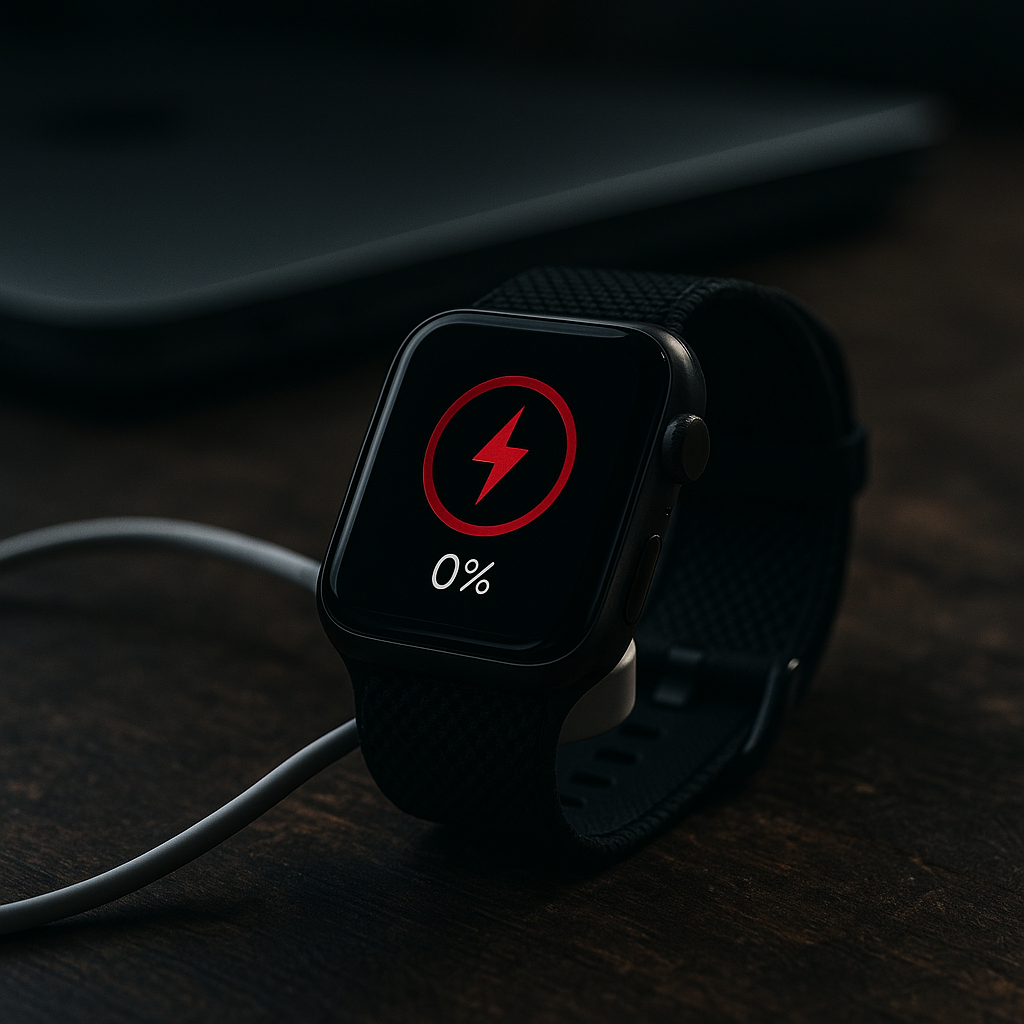
Comprehensive Guide to Fixing Galaxy Watch 4 Not Turning On Issues
The Galaxy Watch 4 is a feature-rich device that combines the power of wearables with the utility of a smartwatch. However, like any technological gadget, it can face issues, one of the most common being the device not turning on. Our comprehensive guide aims to equip you with the knowledge and troubleshooting steps required to address these issues efficiently. Whether the watch fails to boot, charge, or even register any sign of life, we've got you covered.
Table of Contents
This guide serves as the ultimate pillar page for fixing your Galaxy Watch 4's power-related issues. We will cover a wide range of methods and troubleshooting tips, alongside insights into the reasons that might cause your device to not turn on. Furthermore, this guide links to our detailed articles on specific sub-topics, allowing you to dive deeper into any particular aspect that might concern you.
Introduction
The Samsung Galaxy Watch 4 is a technological marvel that offers a seamless blend of health tracking, app integration, and intuitive UI navigation. However, a common problem that users face is when their device refuses to power up. Fortunately, most issues can be resolved with systematic troubleshooting steps.
Overview
- Common Causes for Booting Issues
- Immediate Troubleshooting Steps
- Battery and Charging Solutions
- Software and System Updates
- Factory Reset and Recovery Options
- When to Seek Professional Help
Common Causes for Booting Issues
Understanding why your Galaxy Watch 4 is not turning on is the first step in resolving the issue. Common causes include:
- Battery depletion or fault
- Software glitches or bugs
- Hardware malfunction
- Charging port issues
Each of these reasons requires a specific solution approach, and in our article, you will find detailed guides on:
Immediate Troubleshooting Steps
If your watch fails to turn on, here is a quick checklist you can follow:
- Check that the charger is connected properly
- Ensure the power outlet is functional
- Perform a soft reset by pressing and holding the power button
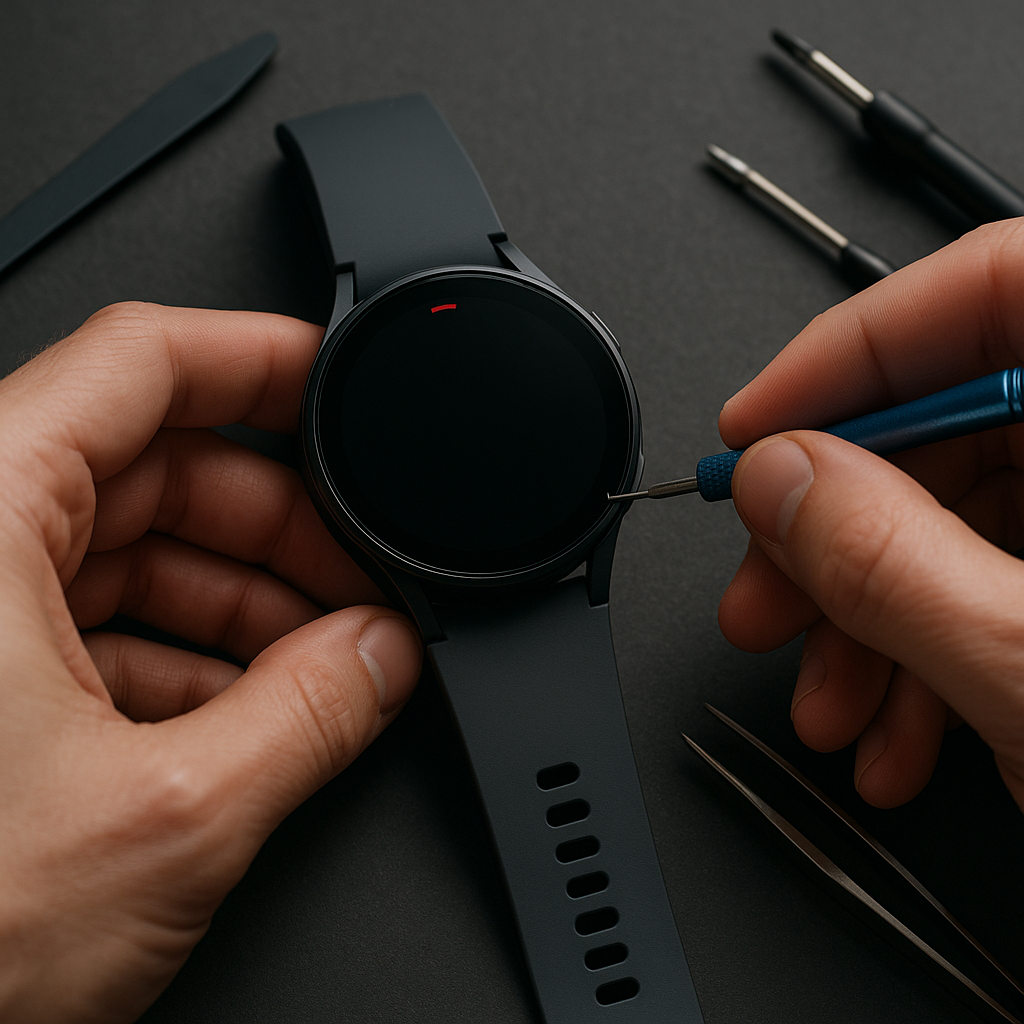
- Inspect for visible signs of damage
For an in-depth step-by-step guide, refer to our detailed guide: Quick Fix Methods for Galaxy Watch 4
Battery and Charging Solutions
The most common culprit behind booting problems is often related to the battery. Here, we explore possible solutions:
- Inspect the charging accessories
- Try a different power source or outlet
- Utilize wireless charging methods
For a comprehensive insight into battery solutions, check out our article: Battery Optimization for Galaxy Watch 4
Software and System Updates
Outdated software can lead to unresponsiveness in your Galaxy Watch 4. Keeping your software updated is crucial for seamless functioning:
- Ensure your device is up to date with the latest software releases
- Perform regular system checks
For further details, dig into our guide: Keeping Galaxy Watch 4 Updated
Factory Reset and Recovery Options
As a last resort, a factory reset might be necessary to revive a stubborn device:
- Steps to perform a hard reset
- Data recovery tips to consider before resetting
Explore our complete factory reset tutorial here: Complete Factory Reset Guide
When to Seek Professional Help
If all else fails, the problem may require professional attention. Here’s when and how to seek help:
- Consider Samsung’s warranty and support options
- Understand professional diagnostics and repair solutions
For more, see our advice on professional service: Options for Professional Support
Frequently Asked Questions
There are several reasons, such as battery depletion, software bugs, or hardware issues. Start by checking the charger and performing a soft reset.
Press and hold the power button until the device reboots. This usually resolves minor glitches without data loss.
Inspect the charging components and try using a different power source or cable. If problems persist, the issue might be with the watch's battery or port.
Yes, but ensure that you back up essential data as a factory reset will erase all stored information on the device.
If basic troubleshooting fails, especially after a factory reset, it's time to contact Samsung support or visit an authorized repair center.