 PLAY
PLAYTop Causes of Xbox Series X Disc Reader Failures and How to Diagnose Them
By Playloot Team · Jun 20, 2026
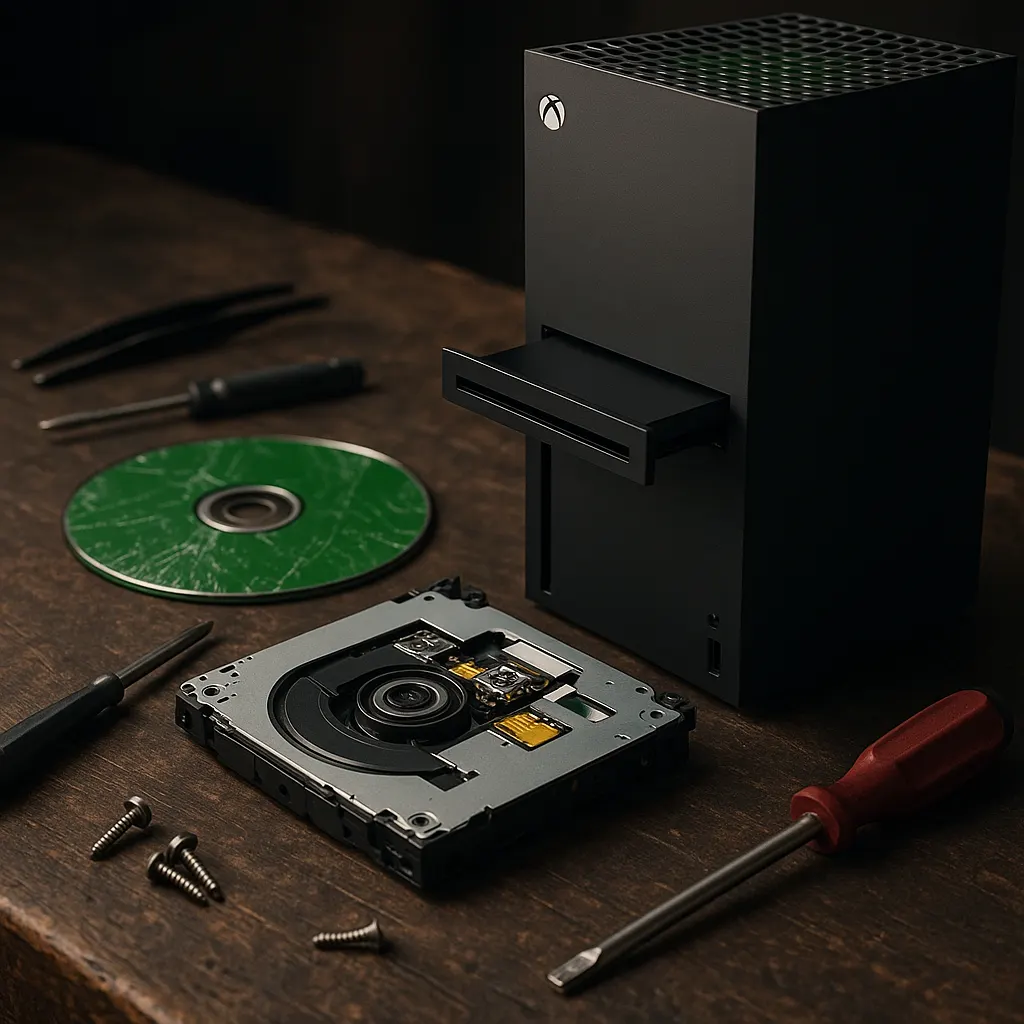
Top Causes of Xbox Series X Disc Reader Failures and How to Diagnose Them
Is your Xbox Series X not reading discs? This can be a frustrating issue that interrupts your gaming experience. In this blog post, we'll explore some of the top causes of disc reader failures on the Xbox Series X and provide tips on how to diagnose these issues effectively.
Table of Contents
For those who need a broader troubleshooting process, don't miss our full guide on this topic. Back to the Ultimate Guide: Comprehensive Guide on Fixing Xbox Series X Disc Reader Issues
1. Dust and Dirt Accumulation
One of the most common causes of Xbox Series X disc reader failures is the accumulation of dust and dirt on the laser lens. Over time, this can obstruct the lens's ability to read discs accurately. Regular cleaning with a microfiber cloth and a lens cleaning kit can help in keeping the disc reader in good condition.
2. Scratched or Damaged Discs
Though not directly related to the console itself, scratched or damaged discs can cause significant reading issues. Inspect your physical games for visible damage. If scratches are superficial, a disc repair kit might be able to restore playability.
3. Hardware Malfunctions
Hardware malfunctions such as misaligned or malfunctioning disc drives can prevent your Xbox Series X from reading discs. Diagnosing this often requires professional help if you notice grinding noises or if discs aren’t being accepted by the drive. It's wise to contact Microsoft support or a professional repair service in such cases.
4. Software Glitches
Occasionally, a simple software glitch can prevent the Xbox from reading a disc. A straightforward restart of your system can sometimes resolve these temporary glitches. Ensure your console is also updated to the latest firmware as updates often include fixes for known issues.
5. Incorrect Disc Format
Another potential issue is inserting a disc that's not compatible with the Xbox Series X. This console only supports specific formats such as Xbox Series X games, select Xbox One, Xbox 360, and original Xbox games through backward compatibility. Make sure your disc is supported before assuming a hardware fault.
How to Diagnose These Issues
Diagnosing disc reader issues can be approached systematically. Start by checking the condition of the disc and cleaning it if necessary. Restart your Xbox to rule out any software issues. If the problem persists, consider testing another gaming disc, ideally one that's recently been confirmed as working. If none of these steps resolve the problem, it could represent a more significant hardware defect requiring professional attention.
Frequently Asked Questions
This could indicate a mechanical issue with the disc drive. It's best to get it inspected by a professional.
Software updates can resolve some issues, but hardware problems will require additional attention.
First, ensure that your discs are clean and undamaged. Try multiple discs to confirm if the issue is widespread. If the problem persists, there may be an internal fault.
Opening your console can void the warranty. It is advisable to consult professional repair services for internal cleaning and repairs.