 PLAY
PLAYWhat Causes Nintendo Switch Stick Drift and How to Prevent It
By Playloot Team · Apr 25, 2026
What Causes Nintendo Switch Stick Drift and How to Prevent It
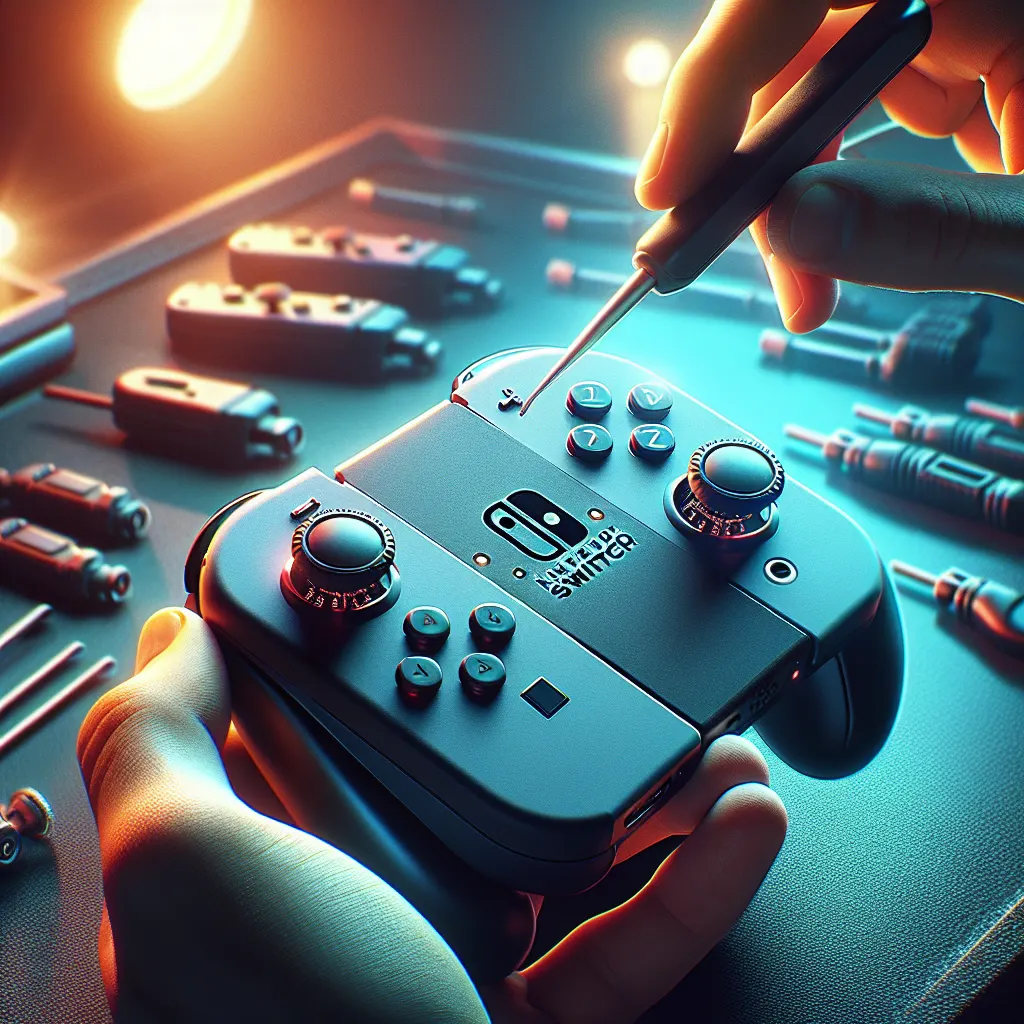
The Nintendo Switch has been a revolutionary device since its release, offering incredible versatility and an ever-growing library of games. However, one common issue faced by many gamers is the infamous stick drift—a problem where the analog sticks on the Joy-Con controllers move characters or navigate menus without any input from the user. This can be incredibly frustrating, potentially ruining the gaming experience. To better understand this issue, it’s essential to explore what causes stick drift and how to prevent it. For an in-depth walkthrough on fixing it, check out our main guide: Back to the Ultimate Guide: The Ultimate Guide to Fixing Nintendo Switch Stick Drift.
Table of Contents
What Causes Nintendo Switch Stick Drift?
Joy-Con stick drift can occur due to a variety of reasons, and understanding them is crucial to preventing and fixing the issue at the source. The primary causes include:
- Wear and Tear: Over time, the constant use of the analog sticks leads to natural wear and tear. The internal components of the joystick can degrade, causing sensitivity issues and unintended inputs.
- Dust and Debris: Dust, dirt, and debris can accumulate underneath the control stick, interfering with the internal mechanics and sending false signals to the console.
- Defective Sensors: Some Joy-Cons might have sensor defects from manufacturing, exacerbating the likelihood of experiencing drift even with minimal use.
- Physical Damage: Dropping the Joy-Con or applying excessive force can damage the sensitive parts inside, leading to drift issues.
How to Prevent Nintendo Switch Stick Drift
Taking preventive measures can significantly reduce the chances of encountering stick drift. Consider the following strategies:
- Regular Cleaning: Routinely clean your Joy-Cons with a microfiber cloth and canned air to remove dust and prevent debris from getting underneath the stick.
- Protective Accessories: Use thumbstick caps and protective cases for your Joy-Cons to minimize wear and keep debris away.
- Gentle Handling: Handle your Joy-Cons with care—avoid excessive force while playing and be mindful not to drop them.
- Software Calibration: Regularly calibrate your joysticks via the Nintendo Switch’s settings to ensure they are functioning properly and adjust the sensitivity as needed.
Seeking Professional Repair
If preventive measures fail and the drift becomes unmanageable, it might be time to seek professional repair. Nintendo has acknowledged this widespread issue and offers repair services for Joy-Con controllers, often free of charge depending on your warranty status. Alternatively, local electronics repair shops can also handle such issues, albeit potentially at a cost.
Conclusion
Stick drift on Nintendo Switch Joy-Cons can be a significant inconvenience, but understanding its causes and implementing prevention strategies can help mitigate the problem. By maintaining clean and well-protected controllers, many users can enjoy their games without interruption. However, if problems persist, professional repair remains an accessible option for most gamers.
Frequently Asked Questions
Stick drift refers to the issue where the Joy-Con's analog stick moves on its own, causing gameplay disruptions without any user input.
Stick drift itself won't damage the console, but it can negatively impact gameplay by making precise control difficult.
No specific games cause drift, but games that require extensive use of the analog sticks might expedite wear and tear.
Yes, Nintendo has acknowledged the issue and often provides free repairs for Joy-Cons experiencing drift, especially in certain regions.
It's advisable to clean your Joy-Cons every few weeks, or whenever you notice performance issues, to prevent build-up of dust and debris.